GoG ePayslip Login: Payslip Login Guide, Password Reset & Common Errors (2026)
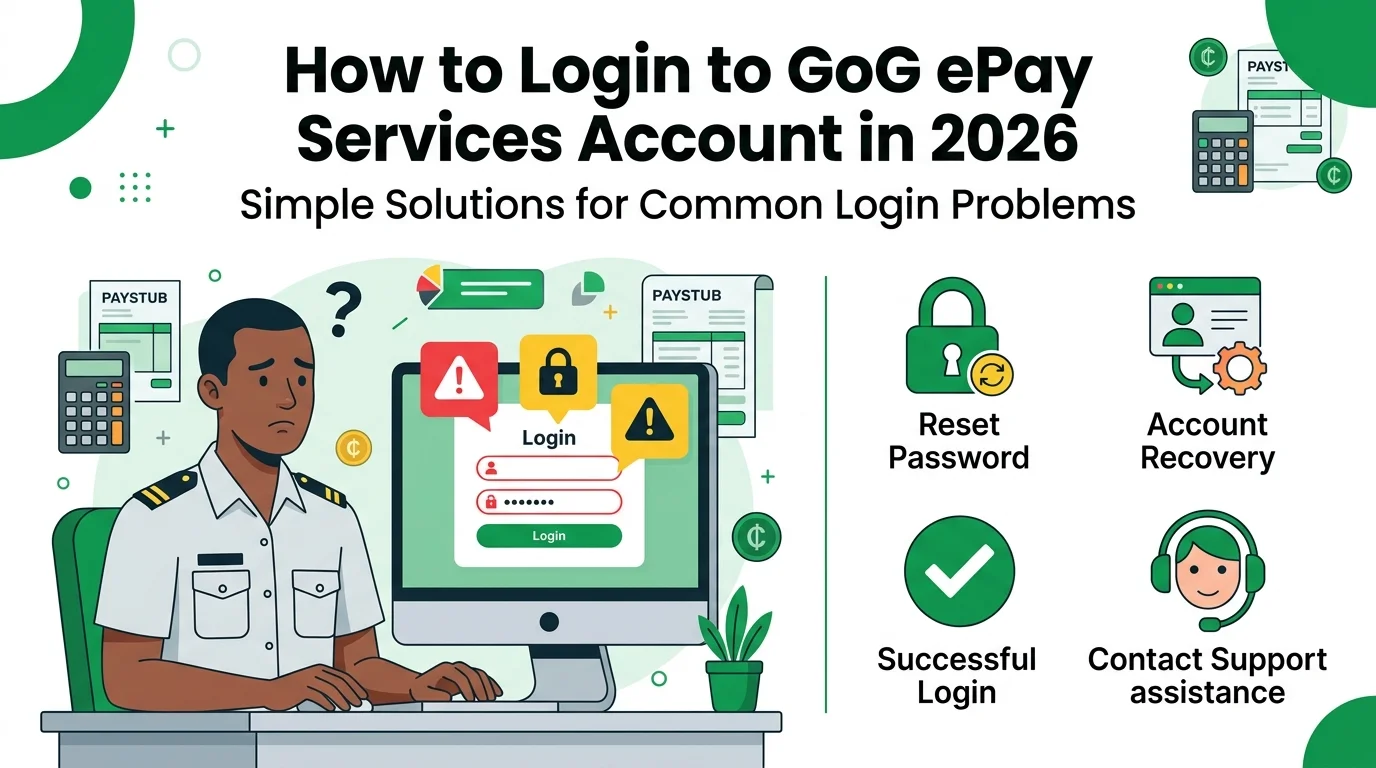
Unable to access your GoG ePay Services account? Many Ghana government employees run into payslip login problems: forgotten passwords, a mistyped Staff Number, browser issues, or a temporary portal error. Any of these can lock you out of your payslip, salary information, allowances and other payroll records right when you need them.
Most of these problems take only a few minutes to fix. This guide walks you through the complete ePayslip login process step by step, and also covers password recovery and the most common account access problems.
What Is GoG ePay Services (New CAGD Payslip Portal)?
GoG ePay Services is an online payroll portal for Ghana government employees. It allows workers to access salary and employment information securely using their Staff Number and Password.
After logging in to the portal, employees can:
The portal helps government workers access important payroll records anytime without visiting payroll offices.
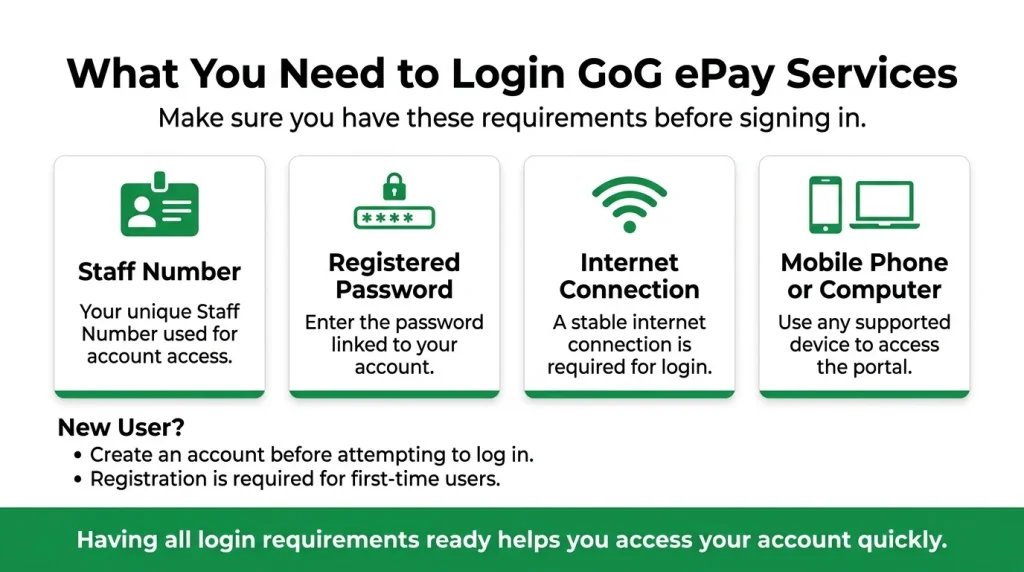
What You Need for ePayslip Login
Before you can access your account, you need a few important things. Without these details, you cannot log into the portal.
If you are a new user and do not have an account, you need to register first before you can log in.
Payslip Login: Step-by-Step Guide
The login process is easy for all government workers in Ghana. Follow these simple steps to access your account.
Step 1: Visit the Official Portal Website
Open a browser on your phone or computer and go to the official GoG ePay Services portal. Check the web address carefully before you type anything, and only enter your Staff Number and Password on the official login page. This protects your account from fake login pages.
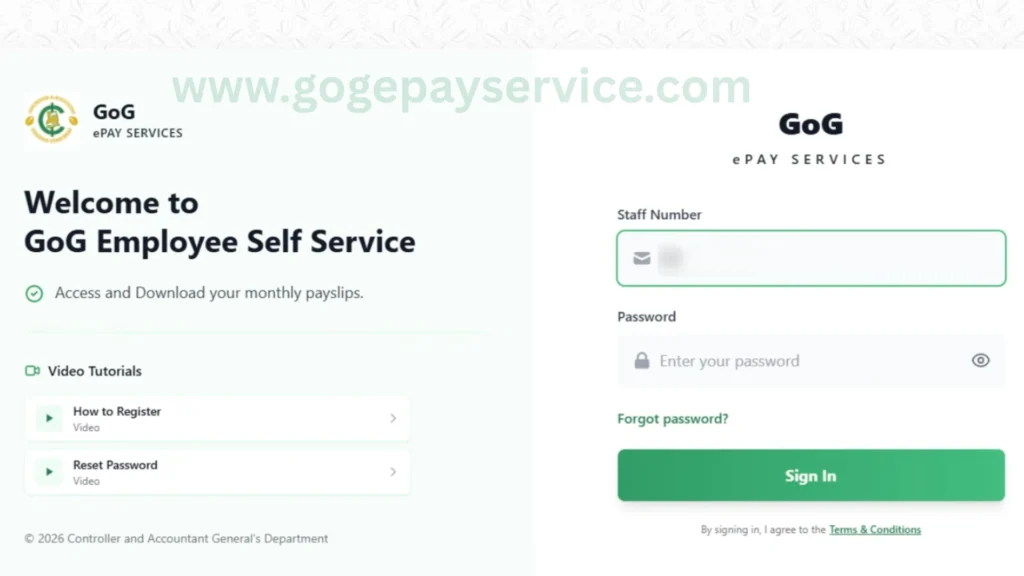
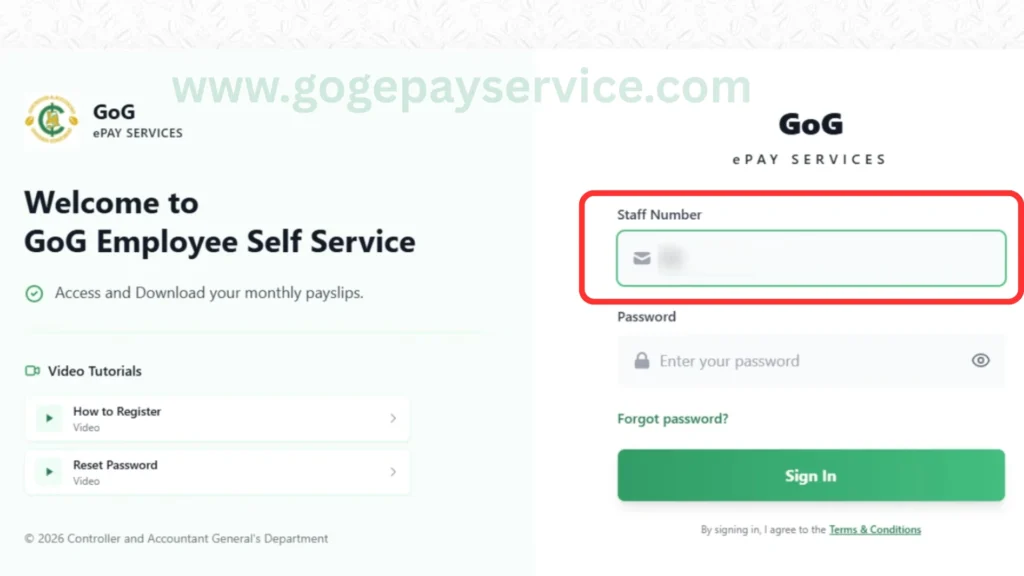
Step 2: Enter Your Staff Number
Enter your Staff Number in the first box, exactly as it appears on your payroll records. Even one wrong digit will stop the login, so double-check the number before you continue.
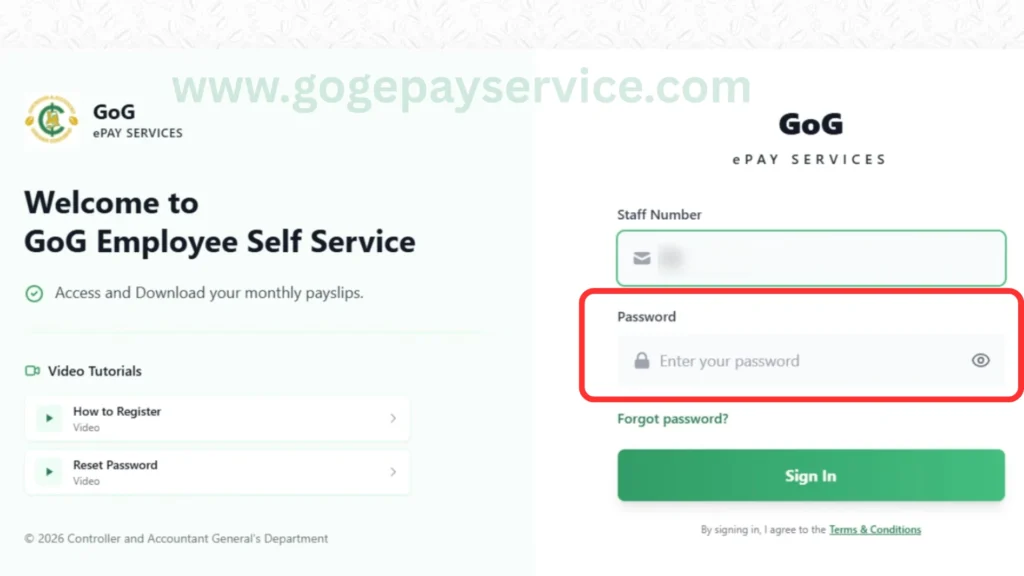
Step 3: Enter Your Password
Enter your password in the password field. Passwords are case-sensitive, so check your uppercase and lowercase letters as you type. If you have forgotten it, use the recovery option to reset your password instead of guessing repeatedly.
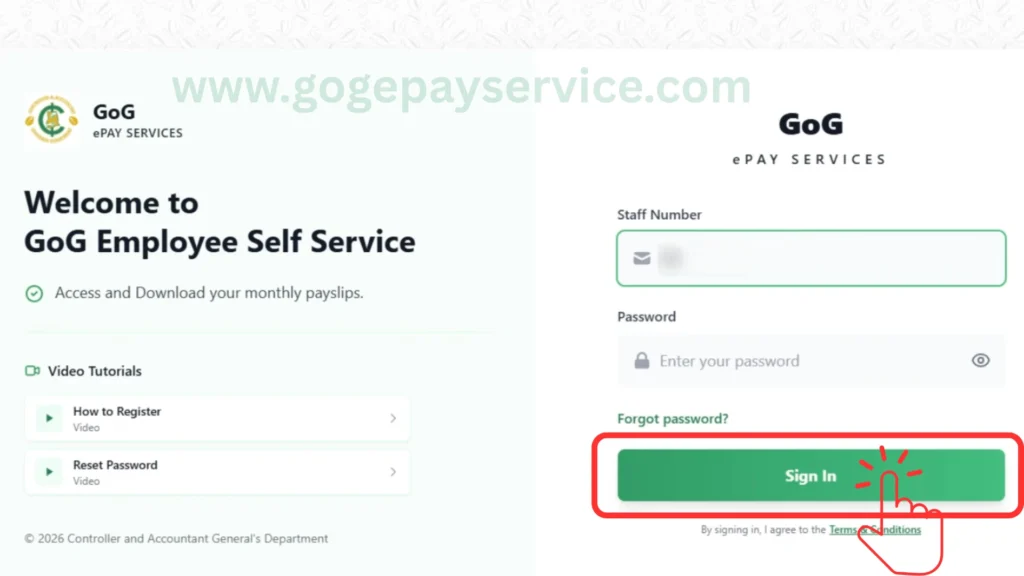
Step 4: Click on the “Sign In” Button
Once your details are in, click the Sign In button. If everything is correct, your account opens. The portal can take a few seconds to load on a slow connection, so give it a moment before trying again.
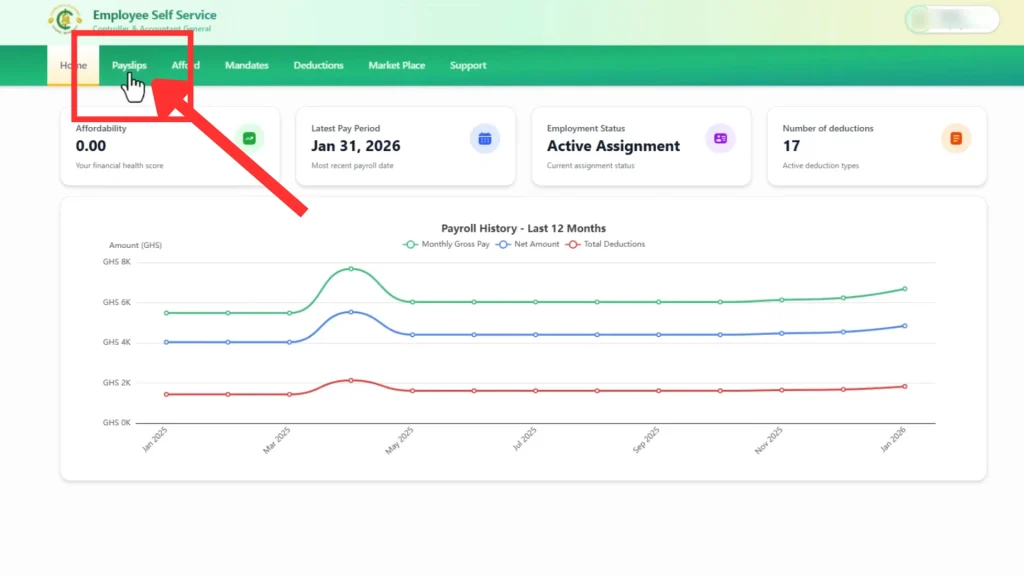
Step 5: Access Your GoG ePay Services Dashboard
After login, your dashboard gives you access to all your payroll services in one place:
You can manage all your salary-related information from one place.
What You Can Do After ePayslip Login
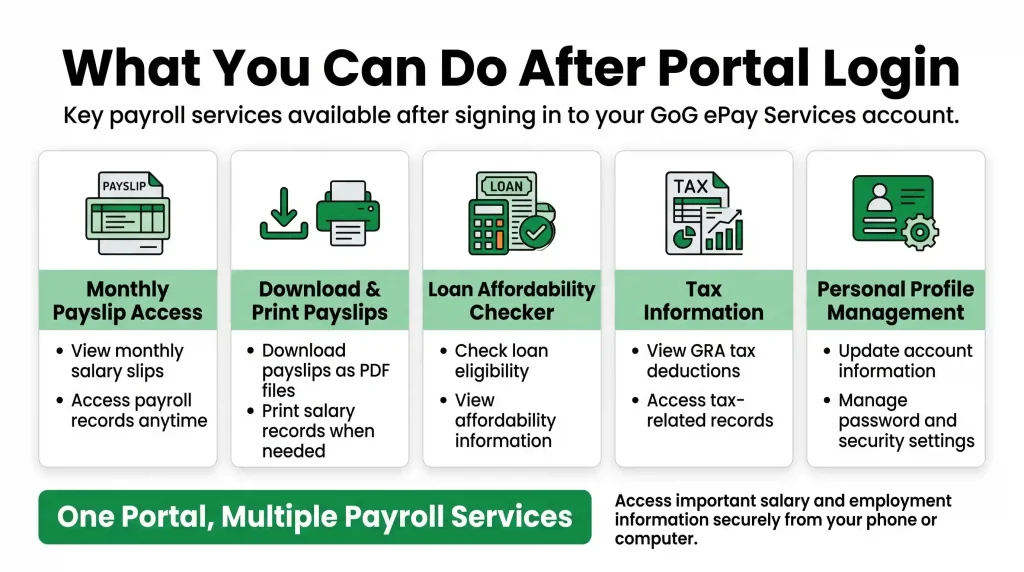
After logging into the GoG ePay portal, employees can use different payroll services online without visiting any office.
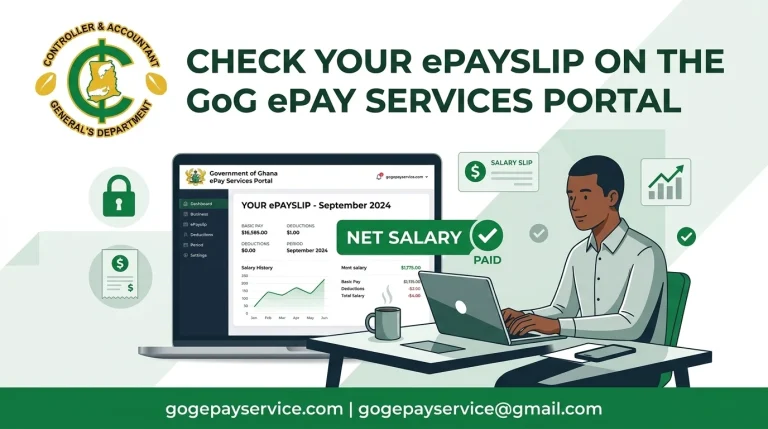
Monthly Payslip Access
Employees can easily view, download and print their monthly salary slips on the GoG ePay portal. This helps workers check their salary details anytime without going to the HR office again and again.
Download and Print Payslip
Users can also download their payslips in PDF format for future use. If needed, they can print the salary slip anytime directly from their mobile phone or computer.
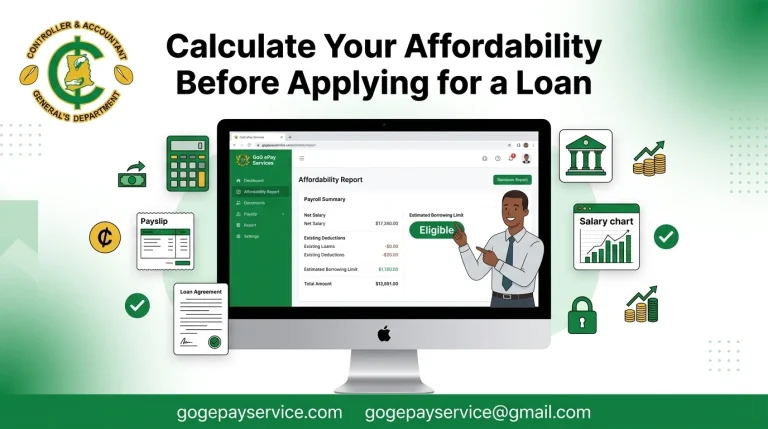
Loan Affordability Checker
The GoG ePay system also helps employees check their salary loan eligibility online. Workers can see if they qualify for a salary loan, based on their affordability.
Tax Information
Employees can easily view their GRA tax deductions and reports on the portal. This helps them easily understand how much tax is deducted from their salary each month.
Personal Profile Management
Employees can also update personal account details and manage their security settings. This helps them keep their account safe and make small changes when needed.
Common ePayslip Login Errors and Fixes
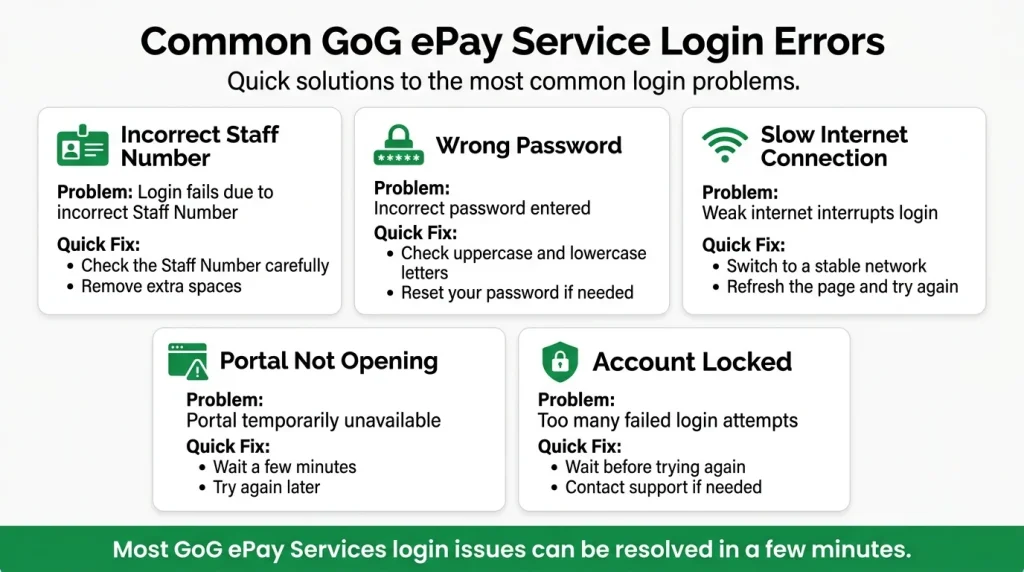
Sometimes users may have trouble logging in to the GoG ePay portal. Most of these problems are common and can be fixed easily by following a few simple steps.
Incorrect Staff Number
If your Staff Number is incorrect, you will not be able to access your account. Even a small typing mistake can cause a login error.
Wrong Password
Some users are unable to log in because they type the wrong password. Make sure that your password is correct.
Slow Internet Connection
The slow or weak internet connection can interrupt the login process on the portal. Make sure your device is connected to a stable internet connection.
Portal Not Opening
Sometimes the GoG ePay services website is temporarily unavailable because of system maintenance or updates.
Account Locked
If you enter the wrong staff number or wrong password too many times, your account may be temporarily locked for safety reasons. In this case, you should wait for some time or reset your password before trying again.
Common Payslip Login Mistakes to Avoid
Many login problems happen because of small mistakes. Avoid the following mistakes when signing in to your account:
Taking a few seconds to check your details before logging in can help you avoid errors and access your account successfully.
GoG ePay Services Login Helpdesk Contacts
If you are unable to log in to your account after trying the steps in this guide, you can contact the official support team. The helpdesk can help with login errors, password recovery, account access issues, and Staff Number verification.
Helpdesk Contact Numbers
You can contact support through the following numbers:
Before contacting support, keep the following information ready:
Old ePayslip Login vs New GoG ePay Services Portal
Many employees still search for the old ePayslip login from the former GoGPayslip system. That portal has been replaced by GoG ePay Services, and payslip login now happens on the new portal only.
If you never created an account on the new portal, your old GoGPayslip details will not sign you in. Register first: on the new login page, the Forgot Password option starts the account setup for first-time users. After registering, sign in with your new password. Our registration guide walks through that process step by step.
CAGD Payslip Login 2026: What Changed
The CAGD payslip login in 2026 runs on the GoG ePay Services portal. Compared with the old system, the new portal adds Ghana Card verification during registration and OTP checks to protect your account.
If you last logged in on the old system, expect one extra verification step the first time you sign in on the new portal. After that, the normal payslip login is just your Staff Number and Password.
Conclusion
The GoG ePay Services portal login gives Ghana government employees quick and secure access to their payroll information. After logging in, users can access all portal features like payslips, check salary details, review deductions and allowances, and access other important employment records from anywhere.
The login process is simple when you enter the correct Staff Number and Password. If you experience any problems, most issues can be resolved by checking your credentials, resetting your password, or following the troubleshooting steps in this guide. Always use the official portal and keep your sign in details secure to protect your account and payroll information.