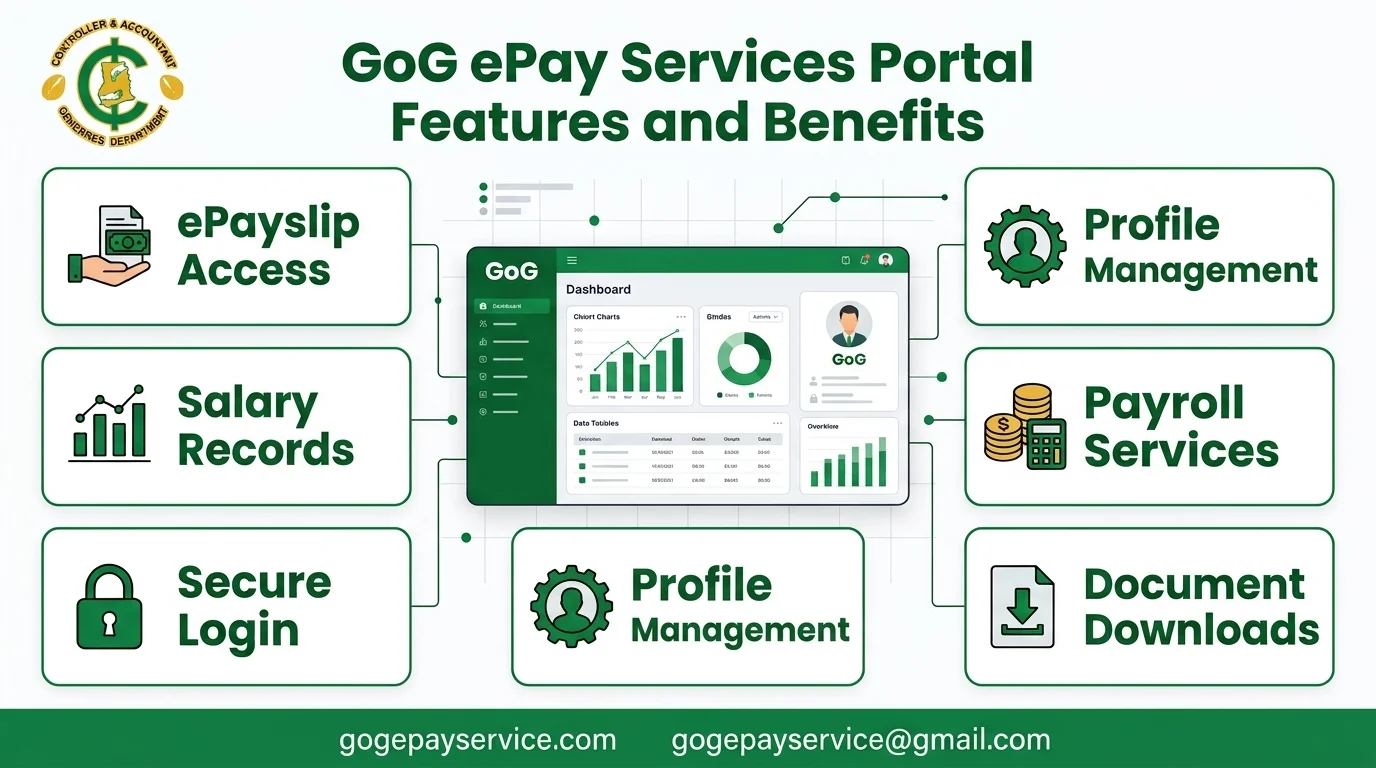
GoG ePay Services Portal Features – Old vs New ePayslip Portal and Benefits
The GoG ePay Services Portal is the official online payroll platform for government employees in Ghana. It provides quick and secure access to important payroll services, including ePayslips, salary details, tax records, SSNIT contributions, mandate forms, and other employee payroll information. Instead of visiting HR offices or relying on paper documents, employees can access their payroll records anytime and from anywhere through a single online platform.
The portal replaced the old gogpayslip.com system and introduced stronger security through Ghana Card verification and OTP authentication. Whether you work in the Ghana Education Service, Ghana Health Service, Ghana Police Service, or another public institution, understanding the features of the Gogepayservices Portal can help you make full use of its services. In this guide, you’ll learn about the portal’s key features, benefits, practical uses, eligibility requirements, common issues, security tips, and the main differences between the old and new systems.
What Is GoG ePay Services?
GoG ePay Services is the official online payroll platform managed by the Controller and Accountant-General’s Department (CAGD). CAGD is the government agency responsible for processing salaries for public sector employees in Ghana. The platform replaced the old gogpayslip.com website, which is no longer in use.
The portal is used by employees from many government institutions, including:
The new payslip portal replaces many paper based payroll processes and reduces the need to visit HR offices for routine payroll services. It gives employees direct access to their salary information, allowing them to view and manage payroll records online whenever needed.
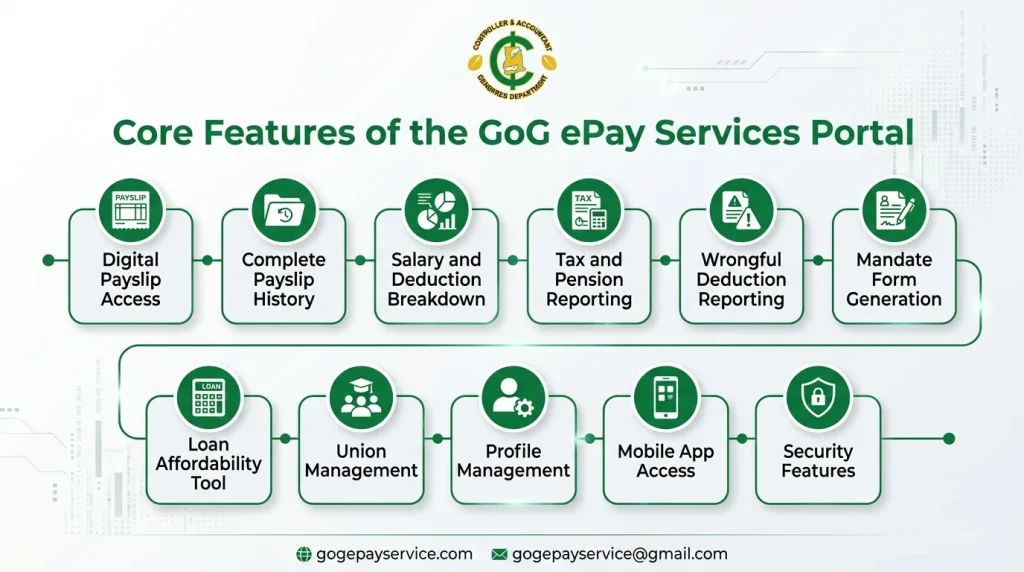
Core Features of the GoG ePay Services Portal
Digital Payslip Access
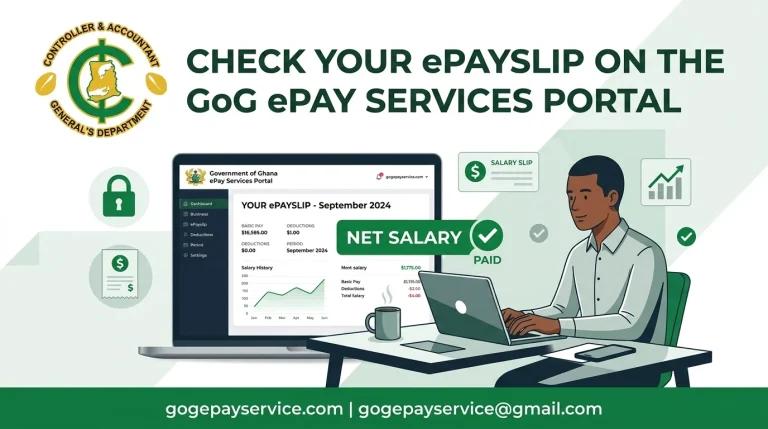
One of the most useful features of the Gogepayservices Portal is digital payslip access. Employees can view and download their monthly ePayslips as PDF files anytime using any device with an internet connection.
Complete Payslip History
The portal stores all payslips generated after your account is activated. This makes it easy to access both current and previous payslips whenever you need them.
Benefits include:
Salary and Deduction Breakdown
Each payslip provides a detailed breakdown of salary payments and deductions. This helps employees understand exactly how their salary is calculated.
Component | What It Covers |
Basic Salary | Fixed monthly salary |
Travel Allowance | Support for work-related travel expenses |
Medical Allowance | Support for medical expenses |
Provident Fund (PF) | Monthly retirement fund contribution |
Tax Deductions | Income tax deducted by GRA |
SSNIT Contribution | Social security contribution |
Tax and Pension Reporting
The GoG ePay Services Portal also provides access to important tax and pension information, including:
This allows employees to review their tax and pension deductions without contacting GRA or SSNIT separately.
Wrongful Deduction Reporting
If you notice an incorrect deduction on your payslip, you can report it directly through the portal. This makes it easier to raise payroll concerns without relying entirely on paper-based complaints or HR visits.
Mandate Form Generation
Many banks and financial institutions require a mandate form before processing salary loans or deductions. The portal allows employees to generate this document online whenever needed, saving time and reducing paperwork.
Loan Affordability Tool (My Affordability)
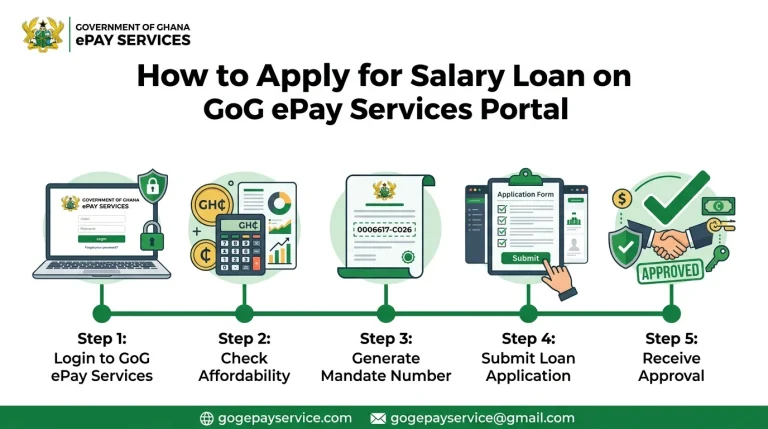
The portal includes a tool called My Affordability. This feature helps employees estimate how much they may be eligible to borrow based on their salary and existing deductions before applying for a loan or salary advance.
Union Management for GES Staff
Teachers under the Ghana Education Service (GES) can manage their union membership through the portal. This allows them to change their union affiliation without submitting physical forms through their school or district office.
Profile and Contact Management
Employees can update certain personal details, such as their email address and phone number, directly from their account.
However, important information such as your name, employee grade, and other payroll records cannot be changed through the portal. These details must be updated through official HR channels to protect payroll records from unauthorized changes.
Mobile App Access
In addition to the website, Gogepayservices also offers an official Android app available on the Google Play Store. The app allows employees to access payslips and other payroll services directly from their smartphones.
Security Features
The ePayslip Portal includes several security measures to protect employee information:
Old Portal vs. New Portal: A Detailed Comparison
This is where a lot of confusion has come from, since both systems share the same underlying purpose but differ meaningfully in process and security design.
Feature / Process | Old Portal (gogpayslip.com) | New Portal (gogepayservices.com) |
Status | Retired, no longer in use | Official, current platform |
Registration requirement | Employee Number + registration code from Head of Department | Employee Number + Ghana Card (NIA) verification |
Identity verification | None beyond registration code | Ghana Card cross-checked against CAGD records |
Account activation | Activation code sent via phone or email | OTP sent to registered mobile number |
Login security | Employee Number + password + captcha | Employee Number + password + OTP |
Password recovery | Standard “Forgot Password” flow | “Forgot Password” also doubles as first-time registration |
Payslip access | Available | Available |
Historical payslips | Available | Available |
GRA tax reports | Available | Available |
SSNIT contribution records | Available | Available |
Wrongful deduction flagging | Available | Available |
Mandate form generation | Available | Available |
Loan affordability tool | Available | Available |
Mobile app support | Limited/basic | No official app — the portal works in your mobile browser |
System stability | Reportedly strained under high user volume | Designed for higher concurrent user load |
Security posture | Considered outdated | Aligned with Ghana’s broader digital ID push (Ghana Card integration) |
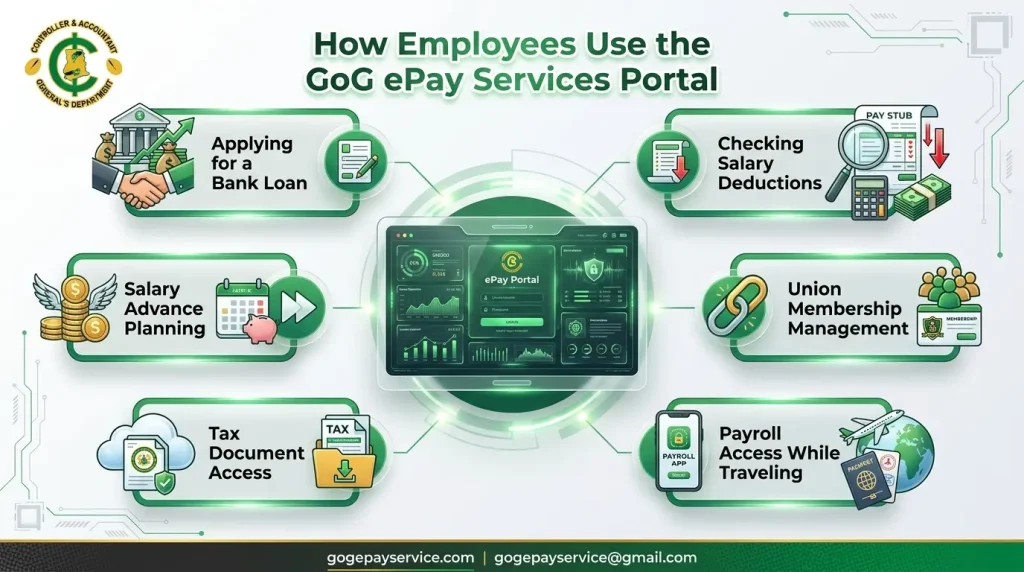
How Employees Use the GoG ePay Services Portal?
The features of the payslip Portal become even more useful in real-life situations. Here are some common ways government employees use the portal in their daily work and financial activities.
Applying for a Bank Loan
A teacher applying for a bank loan may need to provide several months of payslips as proof of income. Instead of requesting printed copies from the school administration or HR office, the teacher can simply log in to the portal, download the required ePayslips, and submit them directly to the bank.
Checking an Unexpected Salary Reduction
A nurse notices that her monthly salary is lower than expected. Rather than waiting for an HR meeting, she can log in to the portal, review the deduction details on her payslip, identify the reason for the change, and report any incorrect deduction through the system.
Applying for a Salary Advance
A civil servant plans to apply for a salary advance or personal loan. Before contacting a lender, he uses the My Affordability tool to estimate how much he may be eligible to borrow. He can also generate the required mandate form directly from the portal, saving both time and effort.
Changing Union Membership
A teacher under the Ghana Education Service (GES) decides to change union membership. Instead of completing paper forms and submitting them through the district office, the teacher can manage the process directly through the GoG ePay Services Portal.
Preparing Tax Documents
When preparing personal tax records, an employee can access GRA deduction summaries directly from the portal. This removes the need to request the same information separately from the Ghana Revenue Authority.
Accessing Payroll Information While Traveling
Employees who are away from their workplace can still access important payroll information. For example, a civil servant on an official assignment can use the portal or mobile app to check a payslip, confirm salary payments, and review payroll details from anywhere with an internet connection.
Common Issues and How They’re Typically Resolved
No system migration of this scale is without friction. A few recurring issues are worth knowing about in advance:
Issue | Likely Cause | Typical Fix |
OTP not arriving | Network congestion, high registration volume, wrong number on file, inactive SIM | Wait several minutes; avoid repeatedly clicking “Resend OTP” |
“Employee Number Not Found” | Incorrect entry, or number not yet synced from HR/CAGD records | Double-check entry; contact CAGD or HR if it persists |
Account lockout | Multiple failed login attempts | Wait roughly 30 minutes before retrying |
Confusion at registration | The “Forgot Password” button is repurposed for first-time sign-up | Recognizing this is a deliberate (if unintuitive) design choice on the new portal |
Incorrect biodata on file | HR records not updated | Must be corrected through official HR channels, not the portal itself |
Security Best Practices for Employees
The payslip Portal contains important personal and salary information. To keep your account safe, follow these simple security tips:
Following these simple steps can help protect your payslip account and keep your payroll information secure.
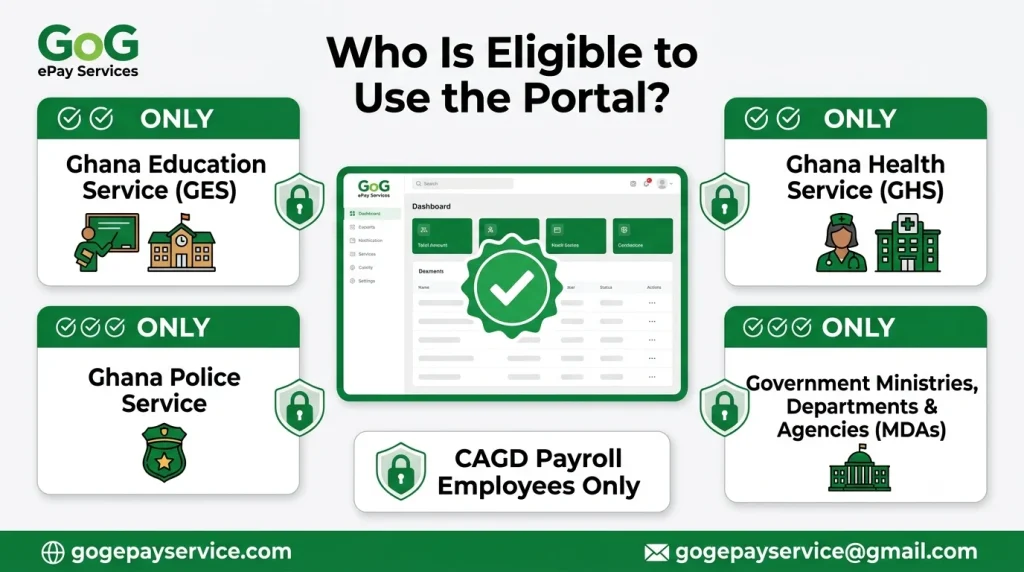
Who Is Eligible to Use the Portal?
The GoG ePay Services Portal is only available to active government employees whose salaries are paid through the CAGD payroll system. This generally includes:
Some employees may not be eligible if their salaries are processed through a different payroll system that is not managed by CAGD.
Benefits of Gogepayservices Portal
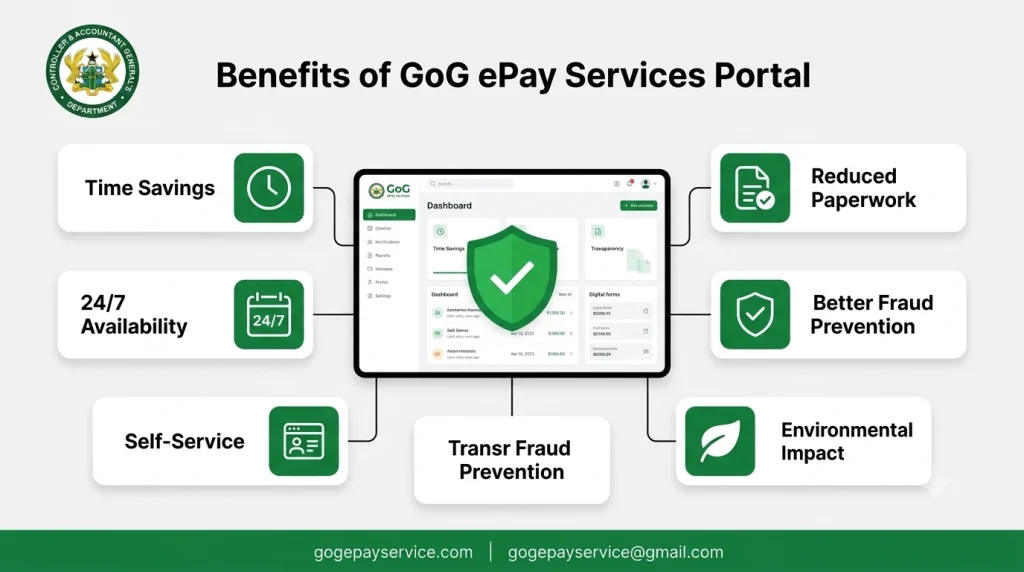
Stepping back from individual features, the overall value proposition of the portal comes down to a few consistent themes:
Benefit | Why It Matters |
Time savings | Tasks that once required a half-day office visit now take minutes |
24/7 availability | Access isn’t tied to office hours or physical presence |
Self-service | Reduces dependency on HR for routine requests like payslip copies |
Transparency | Employees can independently verify deductions rather than relying on secondhand explanations |
Reduced paperwork | Mandate forms, union changes, and deduction queries no longer require physical forms |
Better fraud prevention | Ghana Card verification helps ensure payroll accounts are tied to real, verified individuals |
Environmental impact | Less printing and physical document handling across a large public workforce |
Conclusion
The GoG ePay Services Portal gives government employees in Ghana a simple and secure way to manage payroll information online. From viewing and downloading ePayslips to checking deductions, generating mandate forms, monitoring tax records, and accessing salary-related services, the platform brings many important payroll tools together in one place.
Compared to the old gogpayslip.com system, the new portal offers stronger security through Ghana Card verification and OTP authentication while maintaining the features employees use every month. By understanding the features, benefits, and practical uses of portal, employees can save time, reduce paperwork, and manage their salary information more efficiently from anywhere with an internet connection.