GoG ePay Services FAQs: Registration, Login, ePayslip & OTP Questions (2026)
GoG ePay Services helps government employees in Ghana access ePayslips, salary information, mandate forms, and other payroll services online. While the portal is designed to be easy to use, many users still have questions about registration, login, OTP verification, payslip access, password recovery, and mandate numbers.
This GoG ePay Services FAQ guide provides clear answers to the most common questions in one place. Whether you’re facing a technical issue or simply need help using a feature, you’ll find quick and easy to understand solutions below. For detailed instructions, you can also refer to our step-by-step guides.
Registration Questions
What documents do I need to register on GoG ePay Services?
You’ll need three things: your staff number, your Ghana Card number, and a working mobile number that can receive SMS. Keep all three ready before you start, since the process moves through them in sequence and you can’t skip ahead.
Can I register without a Ghana Card?
No. The Ghana Card is used to verify your identity against government records, and the registration process won’t proceed without it. If you don’t have one yet, you’ll need to register for a Ghana Card through the National Identification Authority first.
What happens if my Ghana Card verification fails?
This usually means the Ghana Card number you entered doesn’t match what’s on file for your staff number, or there’s a typo somewhere. Double-check the number against your physical card, and if it still fails after a second attempt, contact your HR or payroll office to confirm your records are correctly linked.
Can I use someone else’s phone number to register?
It’s not recommended. The mobile number is where your OTP codes are sent for login and password resets, so using someone else’s number means you’d depend on them every time you need to access your account. Use a number only you control.
How long does registration approval take?
For most staff, the process completes instantly once your Ghana Card and staff number are verified and your OTP is confirmed. There’s no separate manual approval step for the majority of users.
Can I change my registered mobile number later?
Yes, this is usually done from your account settings once logged in, or through the same “Forgot Password” flow if you no longer have access to your old number. If you’re locked out entirely, contact your payroll office for manual assistance.
Login and Account Questions
What do I do if my staff number isn’t recognized?
First, confirm you’re typing the number exactly as it appears on your payslip or employment documents, since even a single misplaced digit will cause a mismatch. If it still isn’t recognized after a careful retry, your account may not have completed registration, or there’s a records issue that needs your HR office’s attention.
Can I log in from more than one device?
Yes. The portal doesn’t restrict you to a single device, so you can check your payslip from your phone, a work computer, or a shared computer at home, as long as you have your staff number and password each time.
How many failed login attempts before I’m locked out?
The exact threshold isn’t published, but like most secure portals, repeated failed attempts will temporarily lock your account as a security measure. If this happens, wait a while before trying again, or use the password reset option instead of repeatedly guessing.
What if I forgot both my password and security question answer?
You’ll still need the mobile number registered on your account, since that’s how the portal verifies your identity through OTP regardless of whether you remember your security answer. If you’ve also lost access to that number, you’ll need to contact your payroll office directly for manual identity verification.
Is there a mobile app, or is it web-only?
As of now, GoG ePay Services runs through a web browser rather than a dedicated app. The site is mobile-responsive, though, so it works fine from a phone browser without needing to install anything.
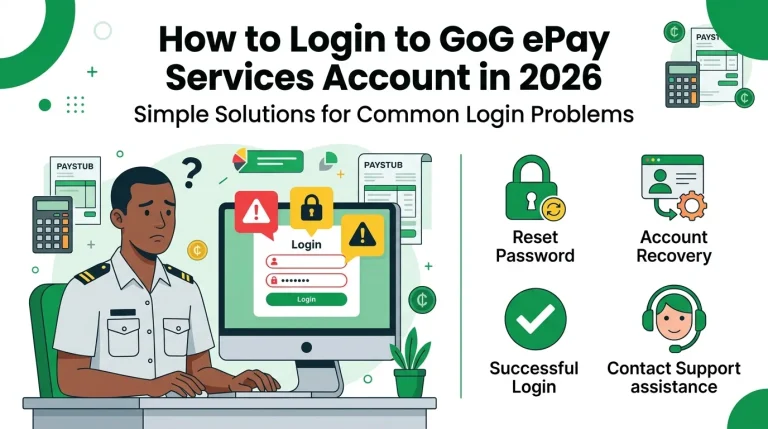
How do I log in to the new payslip portal?
Go to the official GoG ePay Services portal, enter your Staff Number and Password, and click Sign In. If it is your first time on the new portal, register first using the Forgot Password option. Our login guide covers the full process step by step.
ePayslip and Payments Questions
Why is my current month’s payslip not showing yet?
Payslips are typically generated after payroll processing completes for that month, so if you’re checking early in the month, it may simply not be uploaded yet. Give it a few working days after your usual pay date before assuming something’s wrong.
Can I access payslips from previous years?
This depends on how far back the portal’s records go, since the system replaced an older payroll platform. For anything predating the current portal, you may need to request historical records through your HR or payroll office directly.
What do I do if my salary details look incorrect?
Don’t try to fix this through the portal itself, since it only displays records rather than letting you edit them. Report the discrepancy to your HR or payroll department with specifics (the month, the figure you expected, and the figure shown) so they can investigate on their end.
Can I get a physical or stamped copy of my payslip for a loan application?
The portal lets you download and print your payslip, but a printed copy from the portal usually isn’t the same as an officially stamped document some banks require. Check with your bank first on what format they’ll accept, and if a stamp is required, your payroll office can usually provide one.
What format is the downloaded payslip in?
It downloads as a PDF, which is the standard, widely accepted format for banks, loan applications, and printing.
Who do I contact if my payslip shows the wrong department or grade?
This is a records issue on the employer side rather than something the portal itself controls, so it needs to go through your HR or establishment office to be corrected at the source.
How do I check my ePayslip?
Log in to the portal and open the Payslips section. Select the month and year you want, click Generate, and your ePayslip appears on screen. From there you can download it as a PDF or print it. Our Check ePayslip guide shows every step.
Can I check my ePayslip without my password?
No. Your password protects your salary information, so the portal will not show your payslip without it. If you have forgotten it, reset your password first using the Forgot Password option and the OTP sent to your registered number.
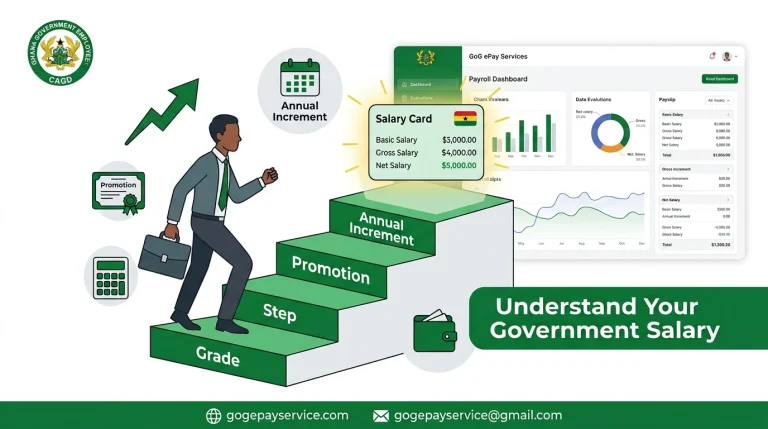
How much tax is deducted from salary in Ghana?
Income tax (PAYE) in Ghana is charged on a graduated scale, so the amount depends on your chargeable income after allowances and reliefs; there is no single flat rate. Your payslip shows the exact PAYE deducted for each month. Our net salary and tax calculator shows how the tax bands apply to your salary.
Security and OTP Questions
Why does the OTP take long to arrive?
This is almost always a network delay on the mobile carrier’s side rather than an issue with the portal. Poor signal, network congestion, or SMS delivery delays are the usual culprits. Give it a few minutes, and if nothing arrives, request a new code rather than waiting indefinitely for the first one.
Can I use a voice call instead of SMS for OTP?
Not currently. OTPs are sent by SMS only, so make sure your registered number can reliably receive text messages.
Is my personal data safe on the portal?
The portal uses OTP verification alongside password protection, which are standard security layers for this kind of system. As with any account holding personal and financial information, you should still use a strong, unique password and avoid logging in on shared or public devices whenever possible.
What should I do if I suspect unauthorized access to my account?
Change your password immediately through the portal, and if you can’t log in to do that yourself, contact your payroll office right away so they can help secure your account from their end.
Can I set up two-factor authentication?
The OTP requirement at login already functions as a form of two-step verification, since it combines something you know (your password) with something you have (your phone). There’s no separate, additional 2FA setup beyond this at the moment.
Technical and Troubleshooting
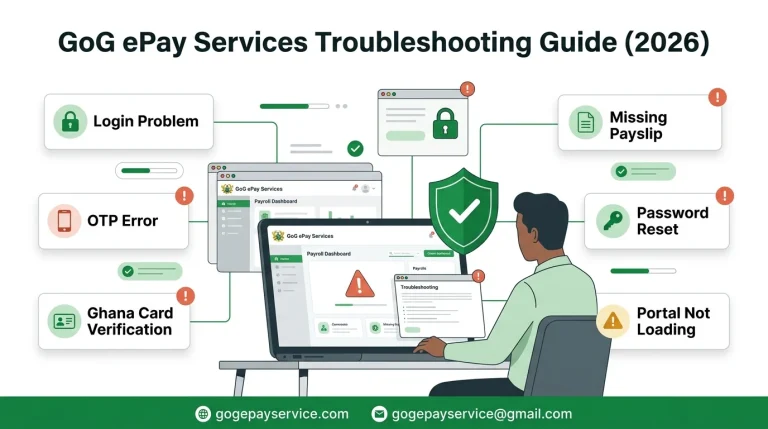
Why won’t the portal load on my browser?
Try clearing your browser’s cache and cookies first, since outdated cached data is a common cause of pages failing to load correctly. If that doesn’t help, try a different browser or device to rule out a local issue.
Which browsers work best with GoG ePay Services?
Modern, updated browsers like Chrome, Firefox, and Edge generally work best with most government portals of this kind. Avoid outdated browser versions, since older software often struggles with newer web security requirements.
What do I do if the page freezes during registration?
Refresh the page and start the step again rather than waiting indefinitely, since a frozen step usually means the request didn’t go through. If you’d already submitted your OTP or password, check whether you actually got logged in before assuming you need to restart from scratch.
Why does the site show an error after I enter my Ghana Card number?
This typically points to a mismatch between the Ghana Card number and the staff number you registered with. Confirm both are entered correctly, and if the error persists, it may be a records-linking issue that your HR office needs to resolve.
Is the portal ever down for maintenance?
Like most online systems, occasional scheduled maintenance is normal, especially outside regular working hours. If the portal is unreachable, try again later before assuming there’s a problem specific to your account.
Mandates, Affordability and Marketplace
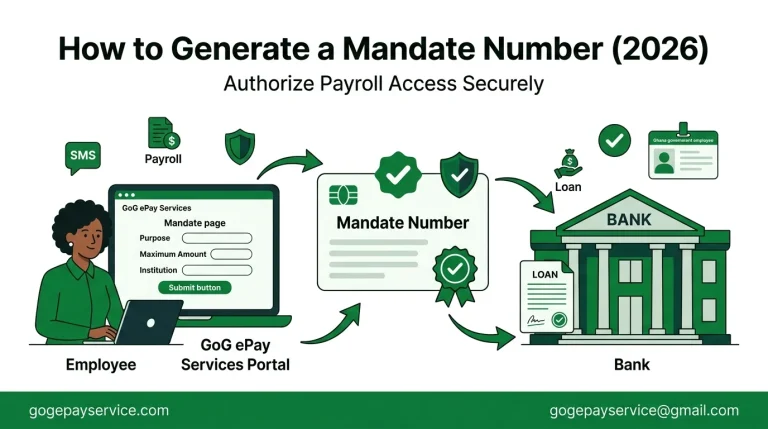
What is a mandate number used for?
A mandate number authorizes specific deductions from your salary, such as loan repayments or bank-related transactions. Lenders and financial institutions typically require it before processing a loan tied to your salary.
How is my affordability limit calculated?
Affordability is generally calculated based on your salary details and existing deductions, to determine how much additional deduction your salary can reasonably support. The exact formula isn’t published publicly, but it reflects standard payroll-lending practices used to prevent over-indebtedness.
Can I dispute an affordability calculation?
If a figure looks wrong, the right move is to raise it with your payroll office along with your actual salary and deduction details, rather than trying to resolve it through the portal interface alone.
What is the Marketplace feature on the dashboard?
This is a portal feature connecting employees to vendors or services tied to salary-based transactions, separate from your core payslip and mandate functions. If you haven’t used it before, it’s worth exploring from your dashboard once logged in.
General Questions
Is gogepayservice.com the official government portal?
No. Gogepayservice.com is an independent informational site created to help employees understand and navigate the official portal. The actual government payroll platform is gogepayservices.com (note the “s” before .com), managed by the Controller and Accountant-General’s Department.
Who manages the GoG ePay Services system?
The official portal is managed by the Controller and Accountant-General’s Department (CAGD), the government body responsible for payroll administration.
Is there a customer support phone line or email?
For official support, contact at these official numbers given by GoG ePay Services Portal.
- 0552925395
- 0245289771
- 0247452601
- 0246968301
- 0505660003
What’s the difference between GoG ePay Services and the old payroll portal?
The new portal introduced updated registration steps (including Ghana Card verification), OTP-based security, and features like mandates and affordability checks that weren’t part of the older system. If you used the previous portal, expect the login and registration flow to feel different even though the core purpose (checking your payslip) is the same.