How to Generate a Mandate Number on GoG ePay Services Portal 2026
Need to generate a Mandate Number for a loan or payroll deduction but don’t know where to start? Many Government of Ghana employees aren’t sure where to find the Mandate option, what information to enter, or why they’re being asked for a Mandate Number. As a result, their loan or payroll request can be delayed.
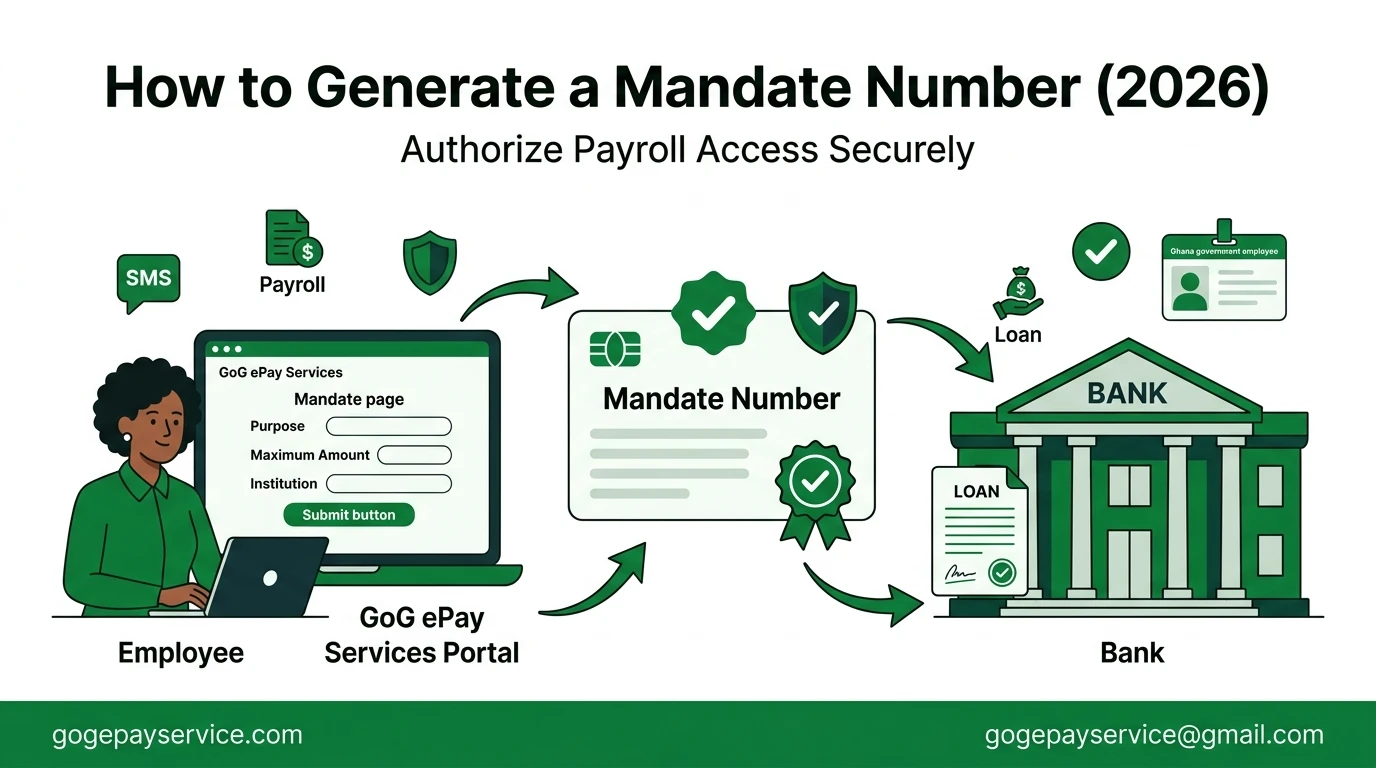
To generate a Mandate Number, simply log in to the GoG ePay Services portal, open the Mandate section, click Add New, enter the required details (Purpose, Maximum Amount, and Institution), and submit your request. Your Mandate Number will be sent to your registered mobile phone via SMS. The step-by-step instructions below explain each part of the process in detail.
What Is a Mandate Number on Gogepayservices?
A Mandate Number is a unique reference number generated through the GoG ePay Services portal that confirms you have authorized a bank, lender, insurance company, or another approved institution to access your payroll information for a specific purpose. It helps protect your salary information by ensuring that payroll-related transactions or deductions can only be made with your consent.
When Do You Need a Mandate Number?
You’ll need a Mandate Number whenever you authorize a third-party institution to access your payroll information or process a payroll-related financial transaction. Without your authorization, institutions cannot verify your salary or set up payroll deductions.
Common situations where you’ll need a Mandate Number include:
If you only want to log in to the GoG ePay Services portal, view your ePayslip, or download your payslip, you do not need a Mandate Number.
Applying for a Gogepayservices Salary Loan?
If you’re applying for a salary-backed loan, the bank or lender will usually ask you to provide a Mandate Number. They use it to verify your salary and check your affordability before processing your application. Keep in mind that a Mandate Number does not guarantee loan approval, it only gives the institution permission to access the payroll information needed to assess your application.
Requirements to Generate a Mandate Number
Before generating your Mandate Number, make sure you have the following:
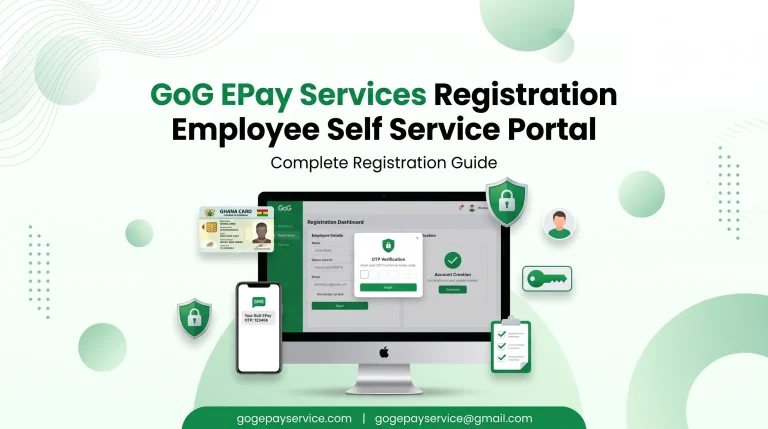
Note: If you haven’t registered for the new GoG ePay Services portal yet, complete your registration first. You won’t be able to generate a Mandate Number until your account is fully set up.
Mandate Readiness Checker
Check off each item before you start generating your mandate number. This helps you avoid the most common delays.
How to Generate a Mandate Number on Gogepayservices?
Step 1: Log In to the GoG ePay Portal
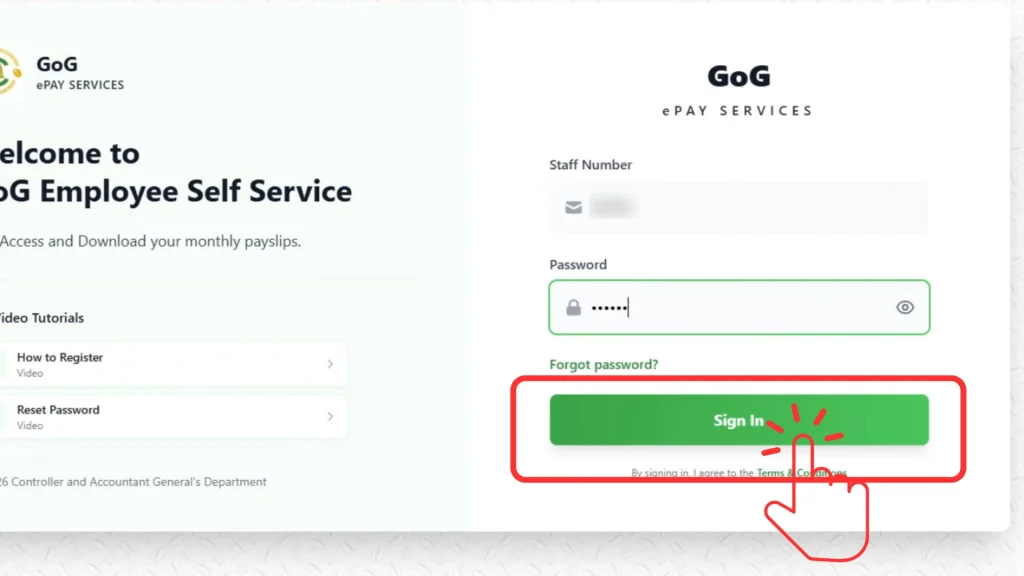
Enter your Employee Number (Staff ID) and password, then login to the portal. If you’re not yet registered, do that first using your Ghana Card and registered phone number.
Step 2: Select “Mandate” on Your Dashboard
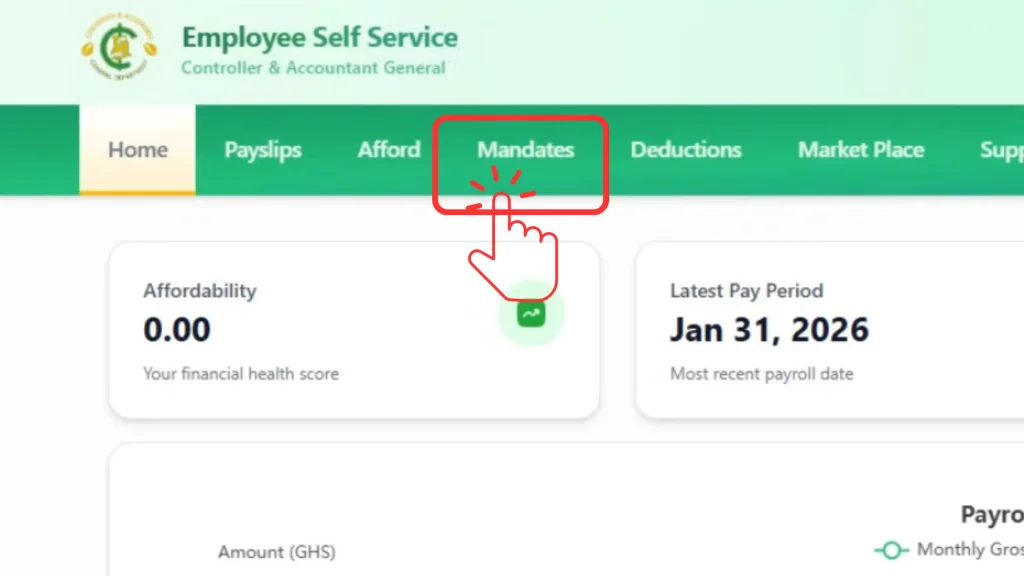
Once logged in, click on “Mandate” from your dashboard.
Step 3: Click “Add New” and Fill in the Details
Fill in the required fields, Purpose, Maximum Amount, and Institution, then click Submit.
Step 4: Get Your Mandate Number via SMS
An SMS notification containing your Mandate Number will be sent to your registered mobile number.
Example: Generating a Mandate for a Salary Loan
Say you’re applying for a GH₵5,000 salary backed loan from a bank. Here’s how you’d fill in the form:
Example:
Tip: Always verify the institution’s name before submitting. An incorrect or mismatched name can delay the processing of your application.
Common Mandate Number Problems and Fixes
If you experience any issues while generating your Mandate Number, don’t worry. Most problems are easy to fix and can be resolved without contacting support.
I Didn’t Receive the SMS
After submitting your request, your Mandate Number is sent to your registered mobile phone by SMS. If the message doesn’t arrive, it’s usually due to a phone number or network issue.
Possible reasons:
How to fix it:
I Can’t Log In to the Portal
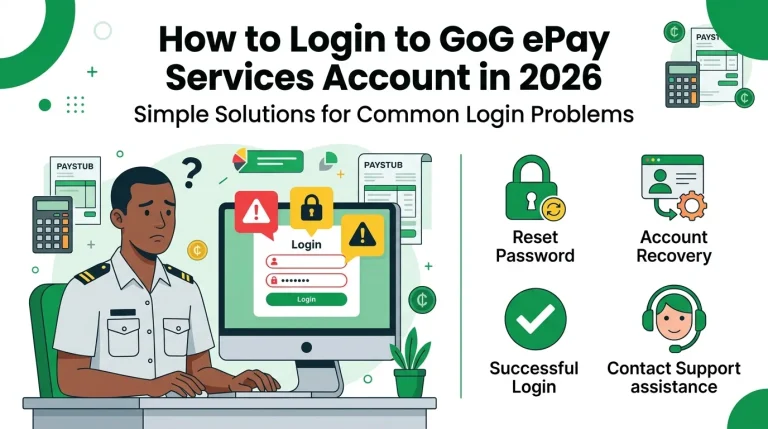
You must log in to your GoG ePay Services account before you can generate a Mandate Number. If you can’t access your account, check your login details first.
Possible reasons:
How to fix it:
The Mandate Option Is Missing
If you don’t see the Mandate option after logging in, your account may not be fully set up or verified.
Possible reasons:
How to fix it:
My Ghana Card Details Don’t Match My Payroll Records
Your Ghana Card information must match your payroll records. If there’s a mismatch, some portal features, including mandate generation, may not work properly.
Possible reasons:
How to fix it:
Submitted My Request but Didn’t Receive Confirmation
After you click Submit, the portal may take a few minutes to process your request. During this time, avoid creating another mandate for the same transaction.
Possible reasons:
How to fix it:
The Portal Is Slow or Not Working
The GoG ePay Services portal may occasionally run slowly due to system maintenance or high user traffic. This is usually temporary.
Possible reasons:
How to fix it:
Tips to Avoid Mandate Problems
Follow these simple tips to make the Mandate Number process smoother and avoid common mistakes:
Conclusion
Generating a Mandate Number on the GoG ePay Services portal is a quick and secure way to authorize a bank, lender, insurance provider, or another approved institution to access your payroll information. As long as your account is registered, your Ghana Card details are up to date, and your registered mobile number is active, you can usually complete the process in just a few minutes.
Before submitting your request, review the institution name, purpose, and maximum amount carefully to avoid delays. If you experience any issues, contact your HR unit or use the official GoG ePay Services support channels for assistance.