GoG ePayslip Registration: Register for ePayslip Login (2026)
GoG ePay Services registration is the first step for Government of Ghana employees who want to access their payroll information online. After creating an account, users can securely view their ePayslip, check salary details, monitor deductions and allowances, and access other payroll services provided by the Controller and Accountant-General’s Department (CAGD).
Many employees search for how to register for a payslip account because they need quick access to their CAGD payslip without visiting payroll offices. This guide explains the registration process, what you need before you start, and the steps to create your account anytime.
What is GoG ePay Services?
It is an online salary and payroll management portal used by government workers in Ghana. This platform is managed by the Controller and Accountant-General’s Department (CAGD), which is responsible for processing salaries and financial records for public sector workers.
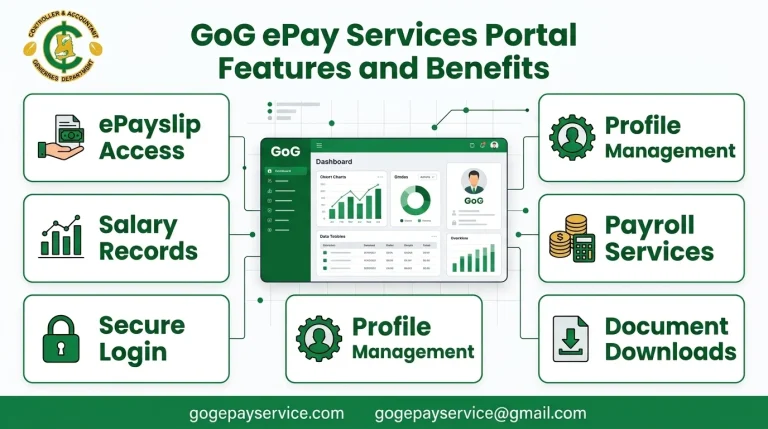
The portal allows employees to:
The new GoG ePay Service system was introduced to improve security and make payroll services easier for government workers across Ghana.
Who Can Register on ePayslip Portal?
The portal is designed for workers of Ghana who are paid through the Government of Ghana payroll system.
People who can register include:
If your salary is processed through the Controller and Accountant General’s Department (CAGD), you can usually register for an account.
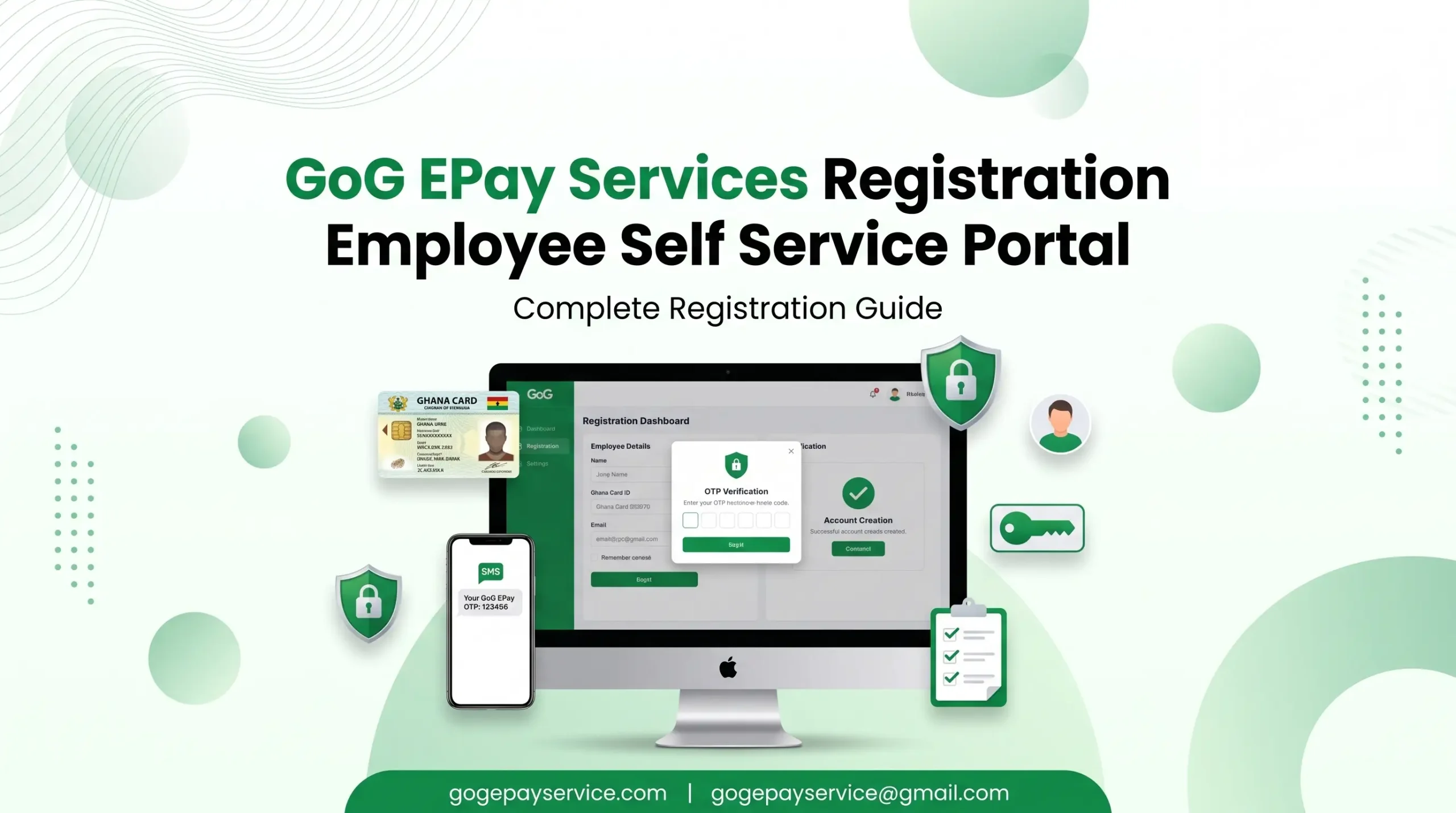
Registration Requirements (Staff Number & Ghana Card)
Before starting the registration process, make sure you have all the required information ready.
Employee Number
You must have your official employee number. This number is used to identify your payroll record in the government system.
Ghana Card Number
This portal uses the Ghana Card for identity verification. Make sure your Ghana Card details are correct and active.
Registered Mobile Number
You need access to a working mobile number because the system sends a One-Time OTP code during registration.
Internet Connection
The stable internet connection will help you complete the registration process without any problem.
Personal Information
Make sure that your details in the payroll system are correct. Incorrect information may cause verification problems.
How to Register for ePayslip Login: Step by Step
Follow these simple steps to complete your registration successfully.
Step 1: Go to the Portal
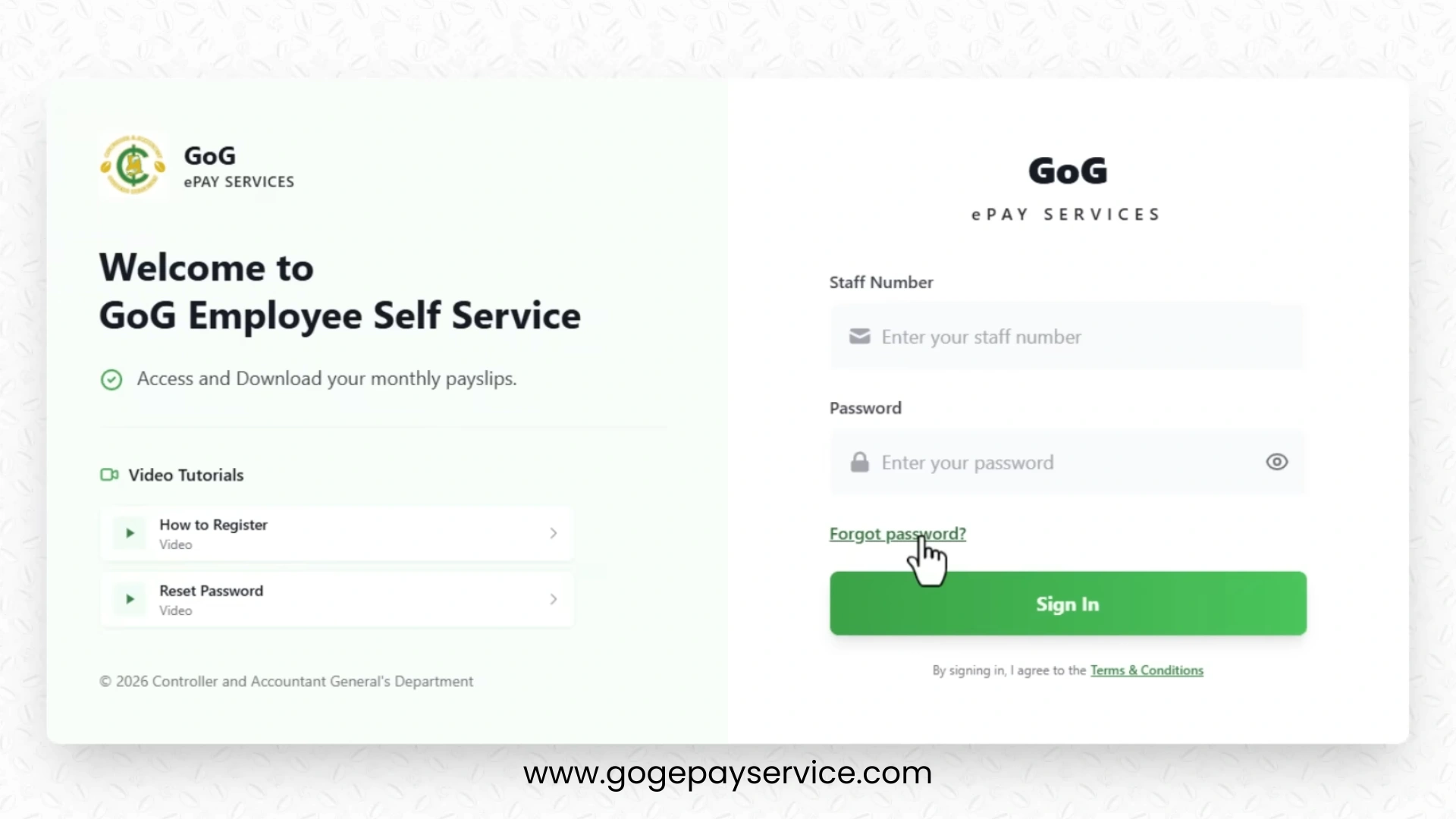
Open your browser and visit the official GoG ePay Services portal. Make sure you are on the official website before entering any account information.
Step 2: Select “Forgot Password”
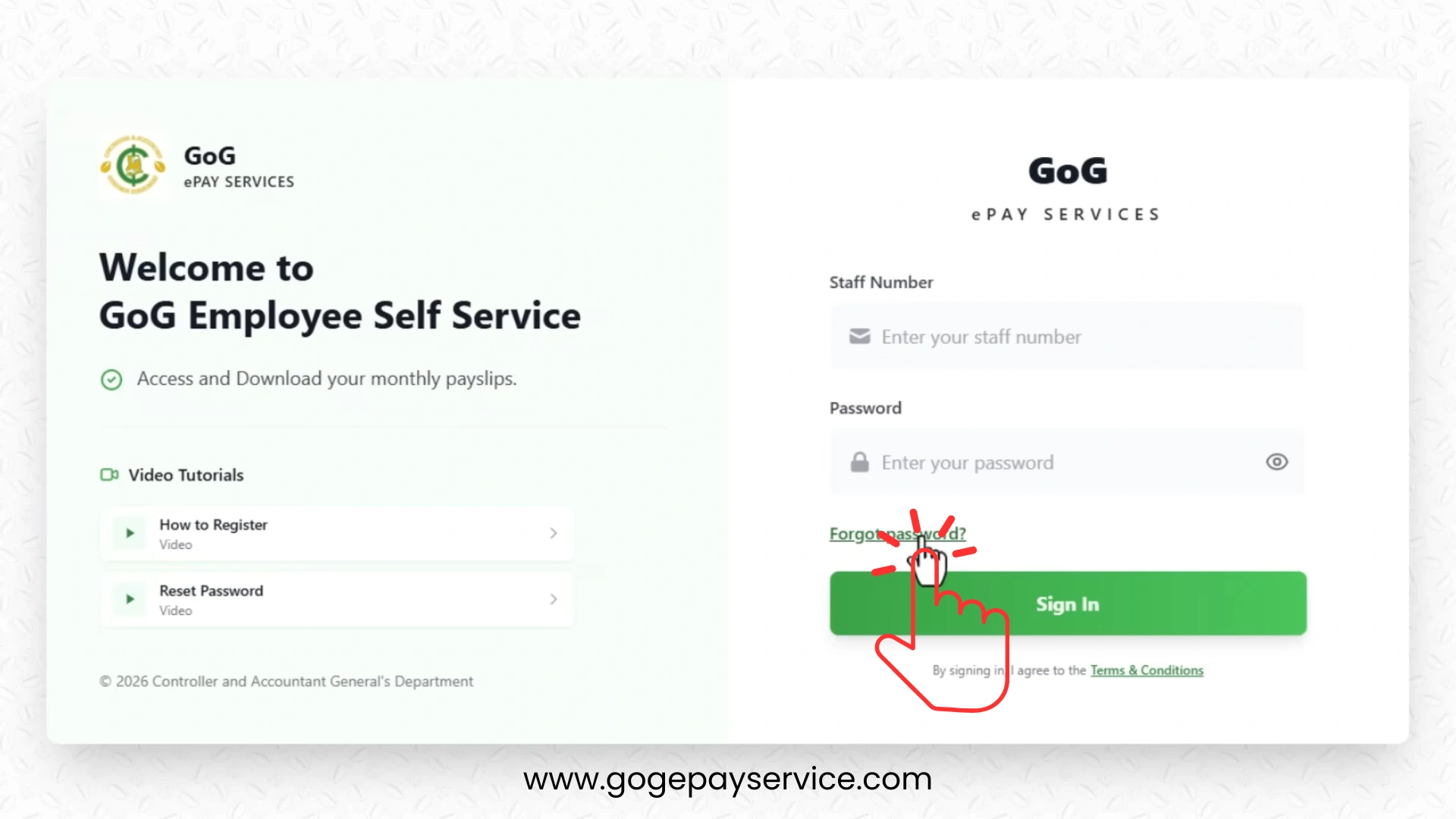
Many first-time users create their account through the “Forgot Password” option.
On the login page:
- Locate the “Forgot Password” button.
- Click this link.
- You will be redirected to the account registration page.
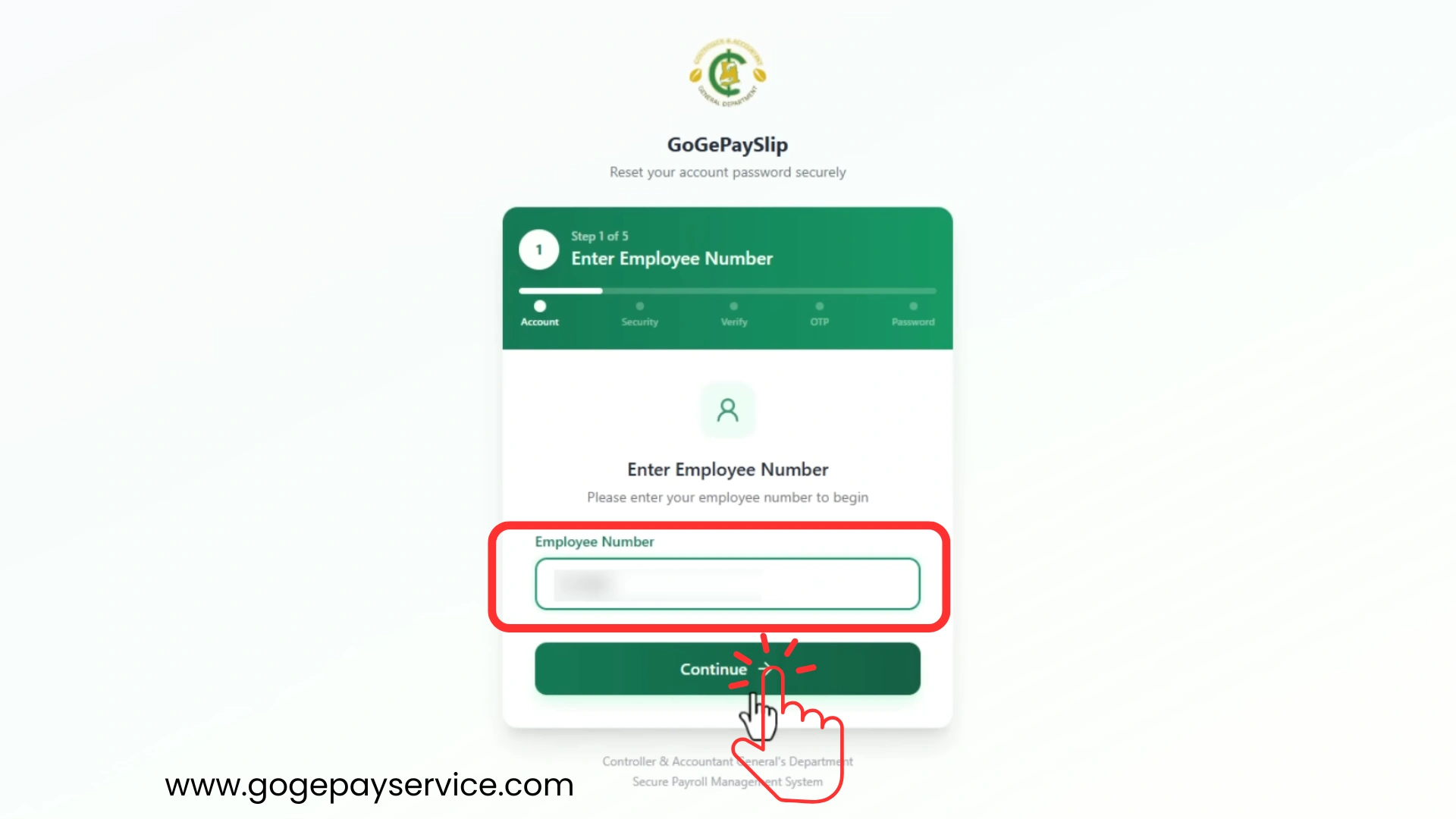
Step 3: Provide Your Employee Number
On the verification page:
- Enter your employee number.
- Double check the number.
- Click the Continue button.
The system will search for your payroll record. Entering an incorrect employee number can cause registration failure.
Step 4: Enter Your Ghana Card Number
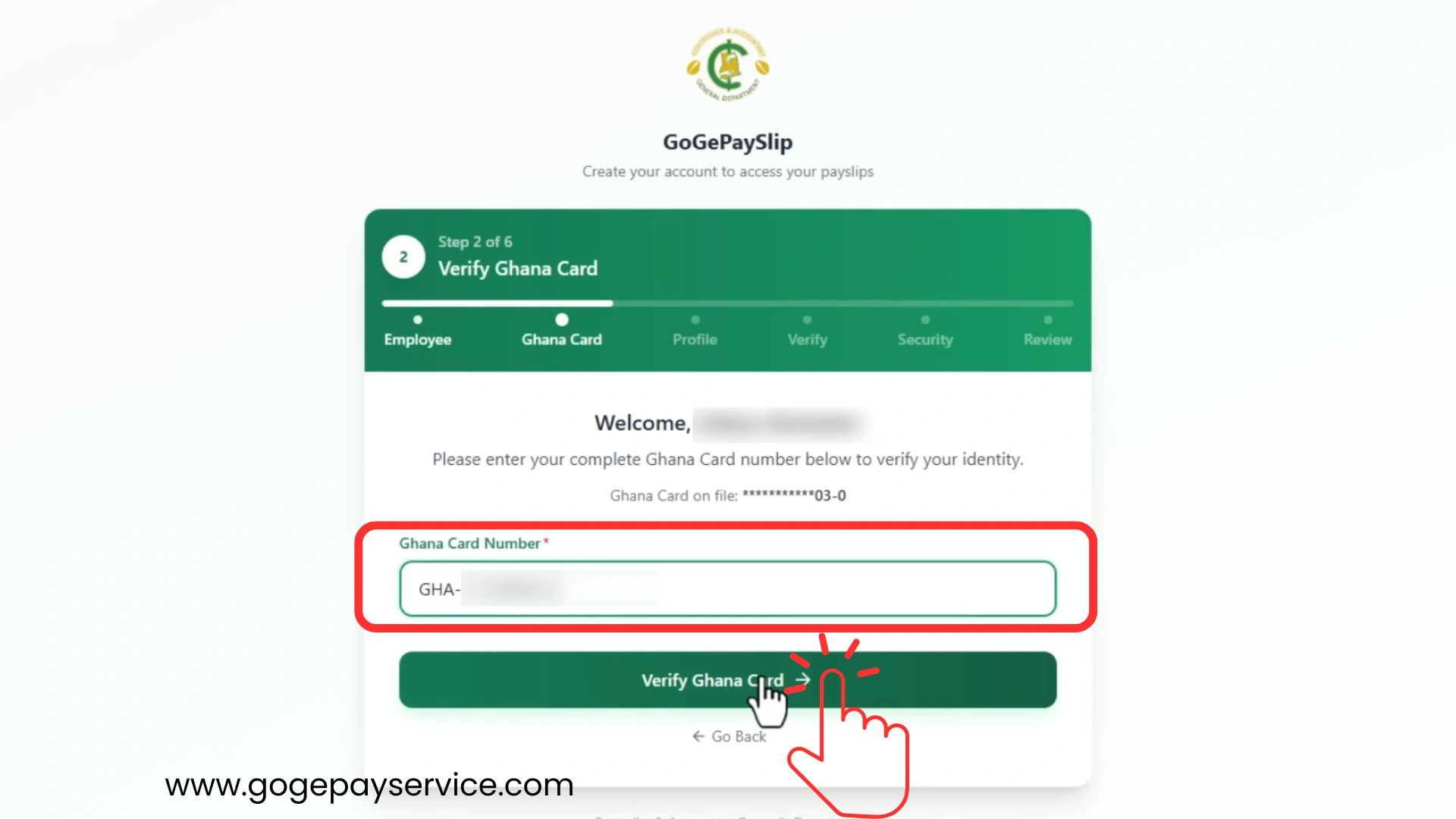
Next, provide your Ghana Card Number exactly same as it appears on your card.
Important tips:
The portal uses the Ghana Card database to verify your identity.
Step 5: Review Your Personal Information
After successful verification, the system may display some of your information.
Carefully review:
Check that everything is correct before continuing.
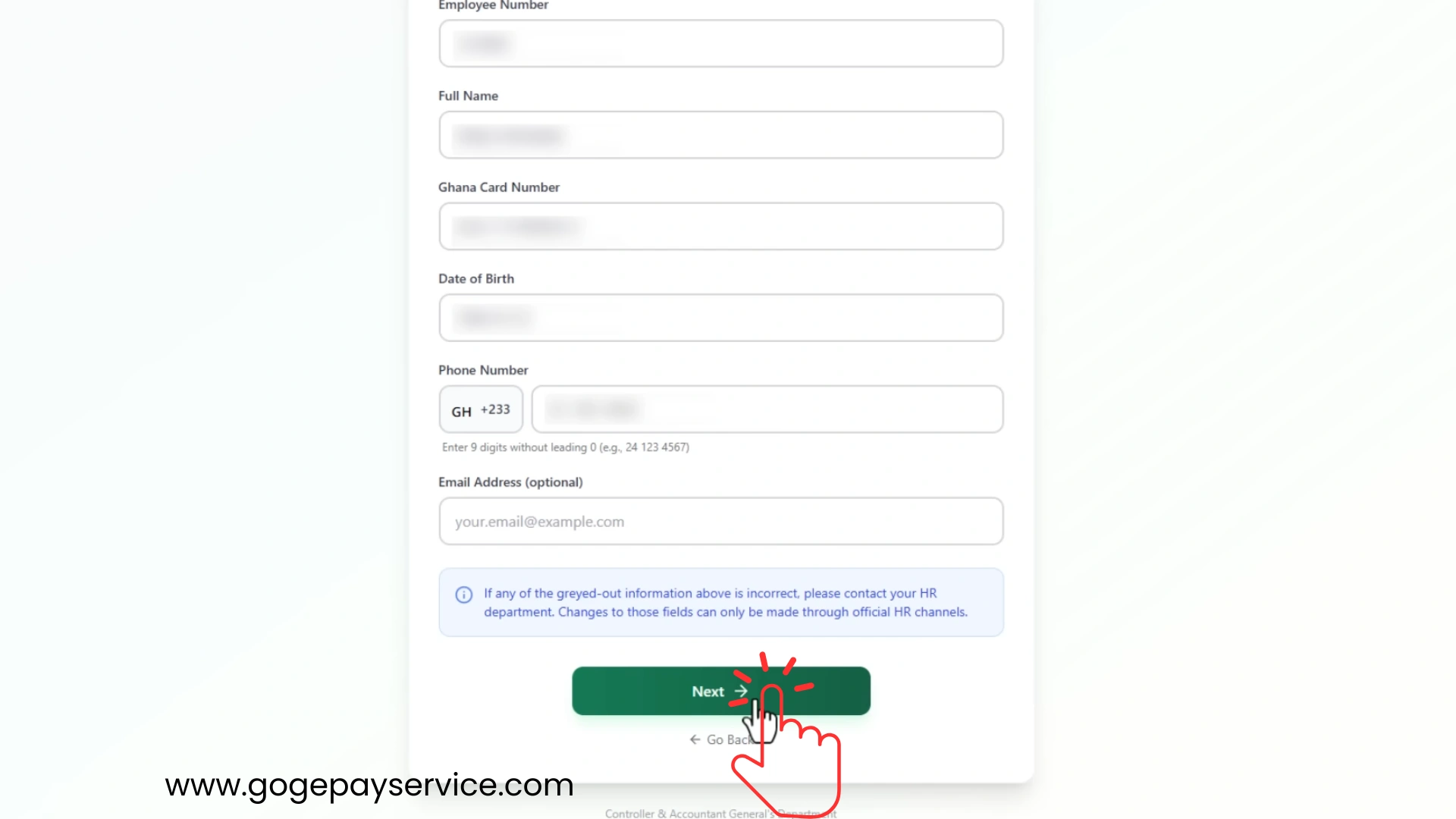
If you notice wrong information, contact your payroll administrator before proceeding.
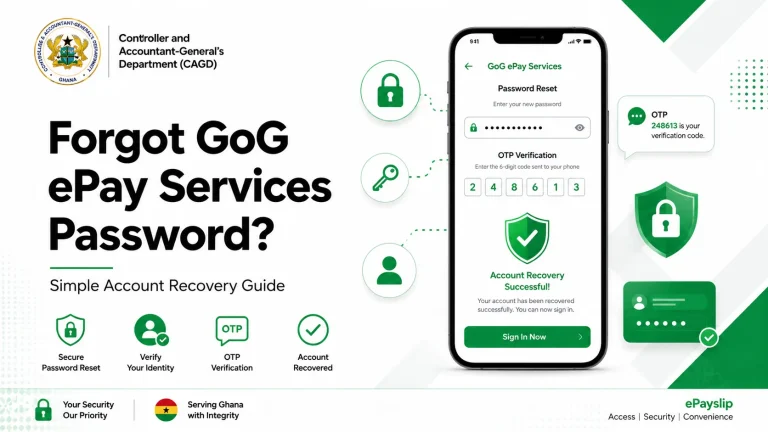
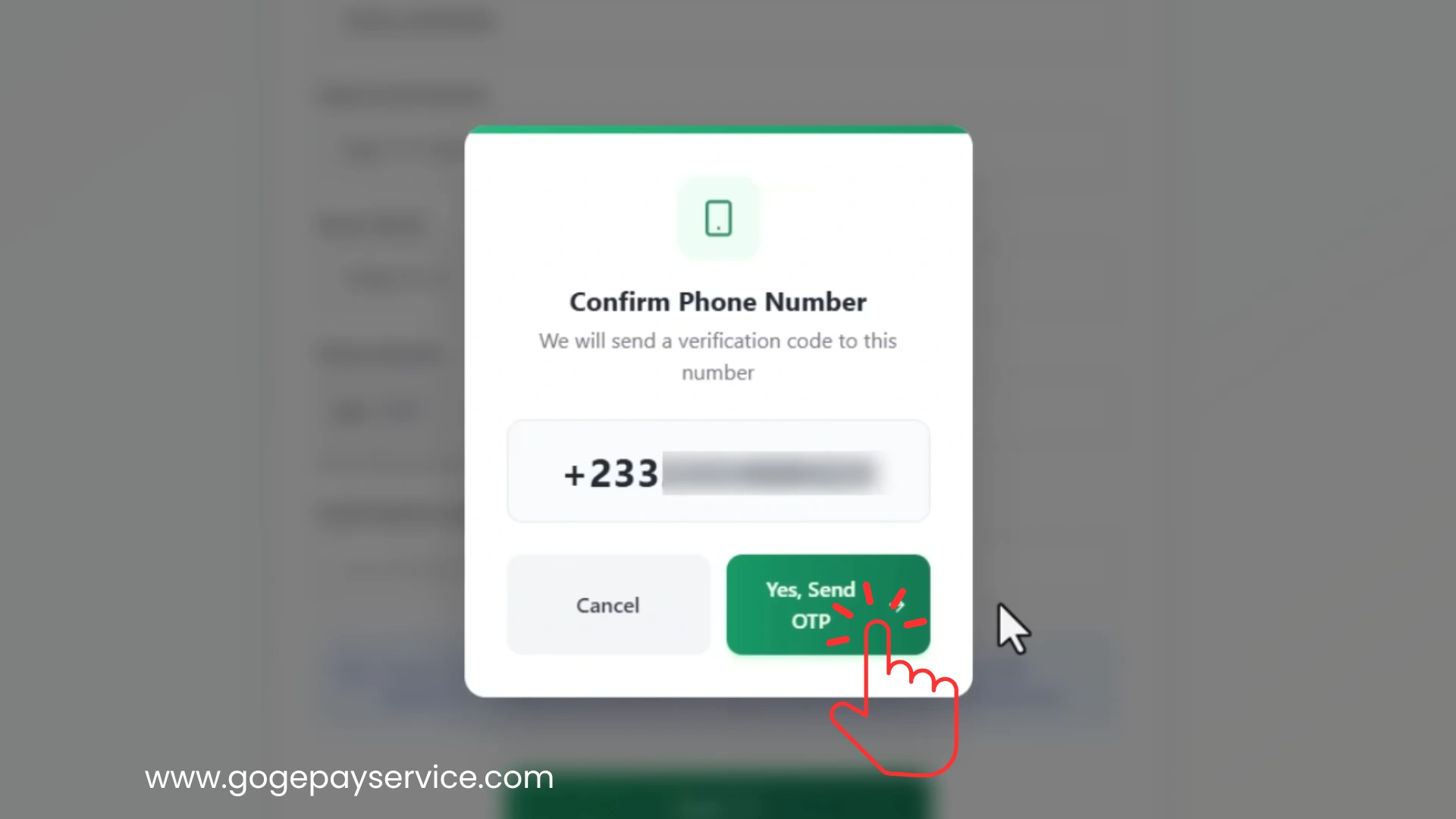
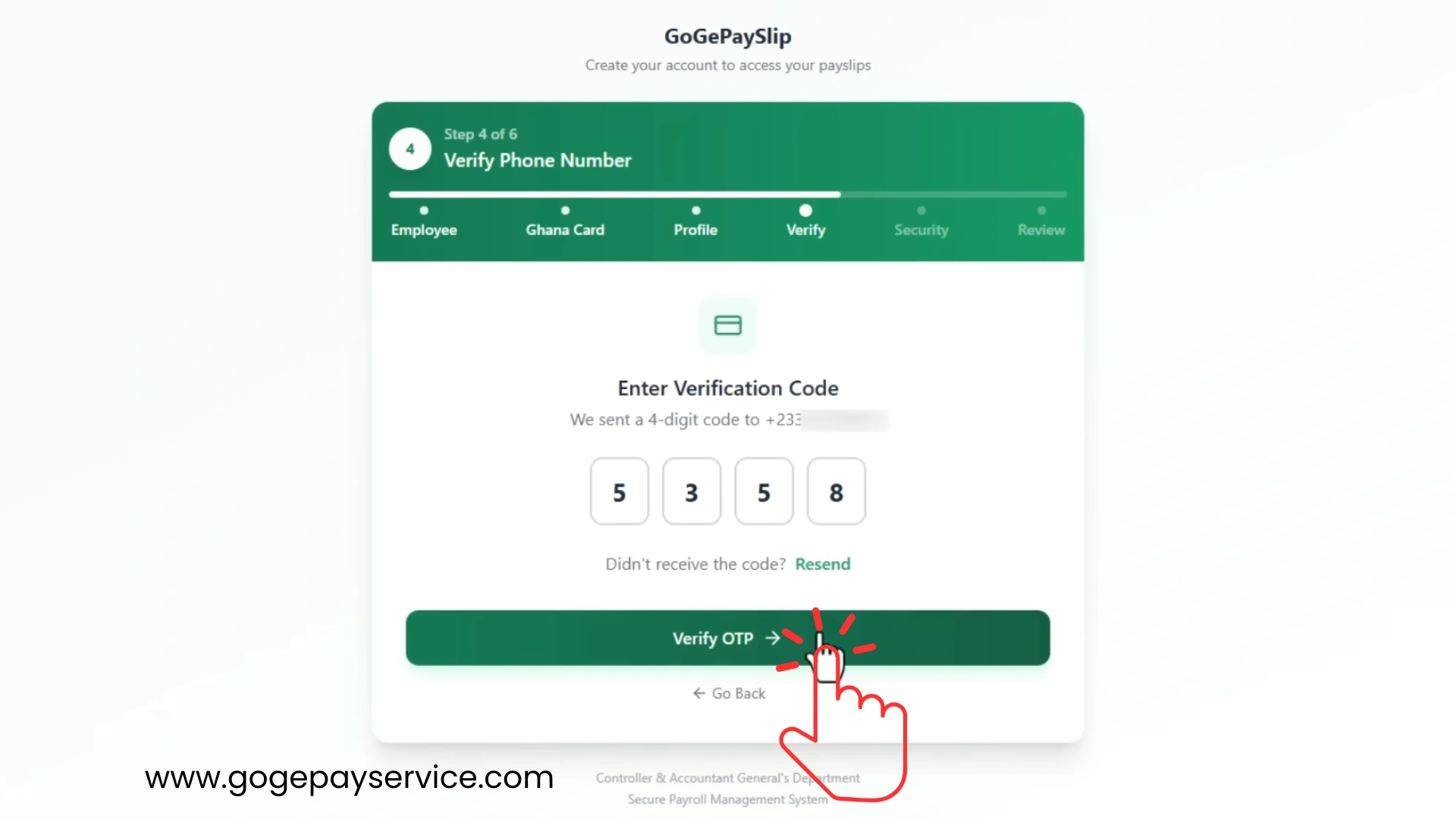
Step 6: Verify Your Mobile Number
The system will ask you to verify your registered mobile number. The OTP verification code will be sent to this number.
Step 7: Enter the OTP Code
After receiving the OTP:
- Open the SMS message.
- Copy the OTP code.
- Enter the code into the verification box.
- Submit the code.
The OTP helps confirm that you are the rightful account owner. If the code expires, request a new OTP.
Step 8: Create a Password
Now create a strong password for your account.
A good password should include:
A strong password improves account security.
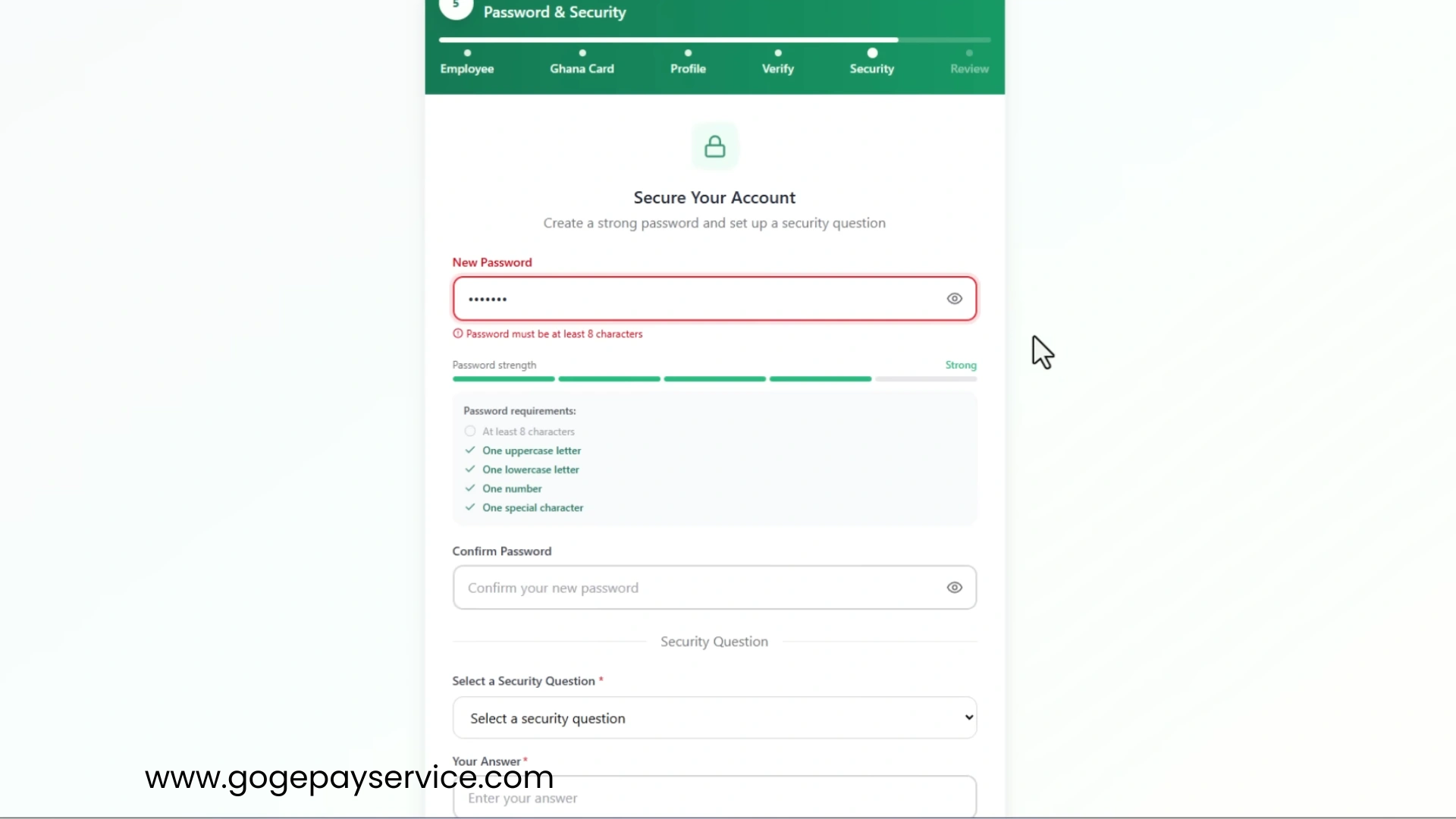
Step 9: Choose a Security Question
The portal may require a security question. Select a question that only you can answer.
For Examples:
Remember your answer carefully because it may help recover your account later.
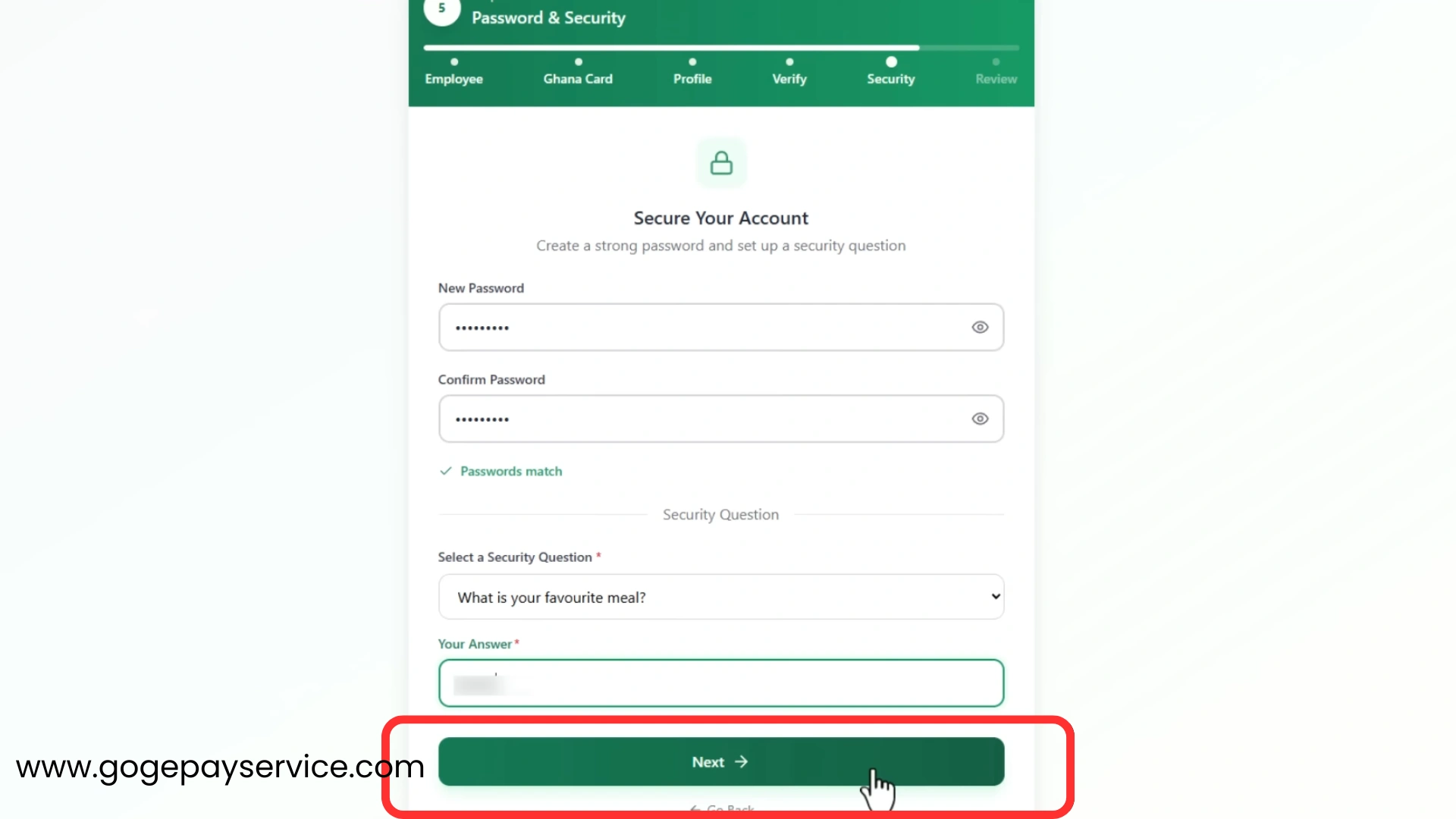
Step 10: Complete Registration
Review all entered information one final time.
If everything is correct:
- Submit the registration form.
- Wait for confirmation.
- The system will activate your account.
A confirmation message usually appears after successful registration.

Step 11: Log In to Your Account
Once registration is complete:
- Return to the login page.
- Enter your employee number.
- Enter your password.
- Click Login.
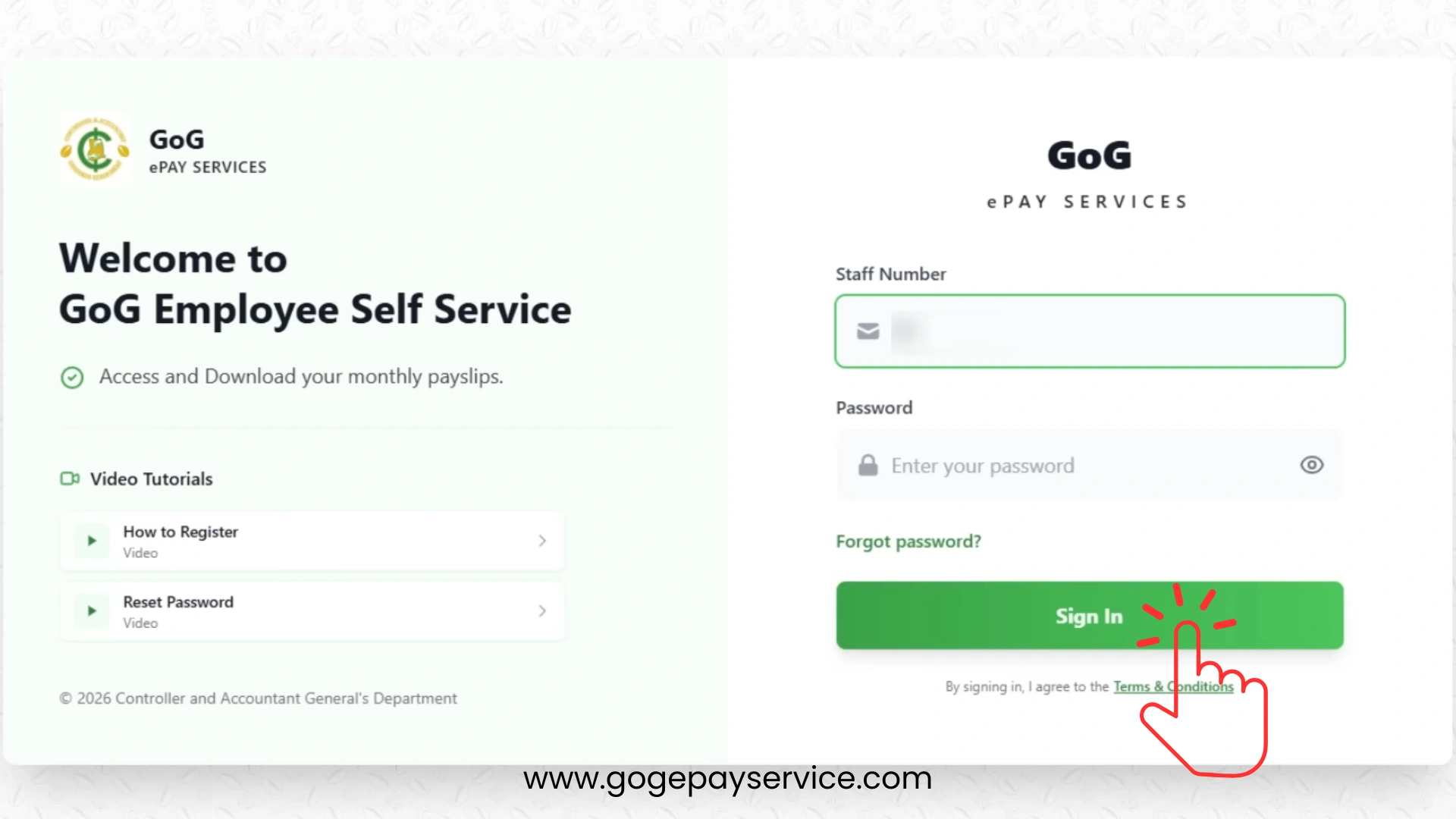
After gogepayservices login in, you can begin using the portal to access your salary and payroll information online.
Watch the official video for a step-by-step guide to registering for the Employee Self Service portal.
Source: Official CAGD YouTube Channel.
Tips to Secure Your ePayslip Account
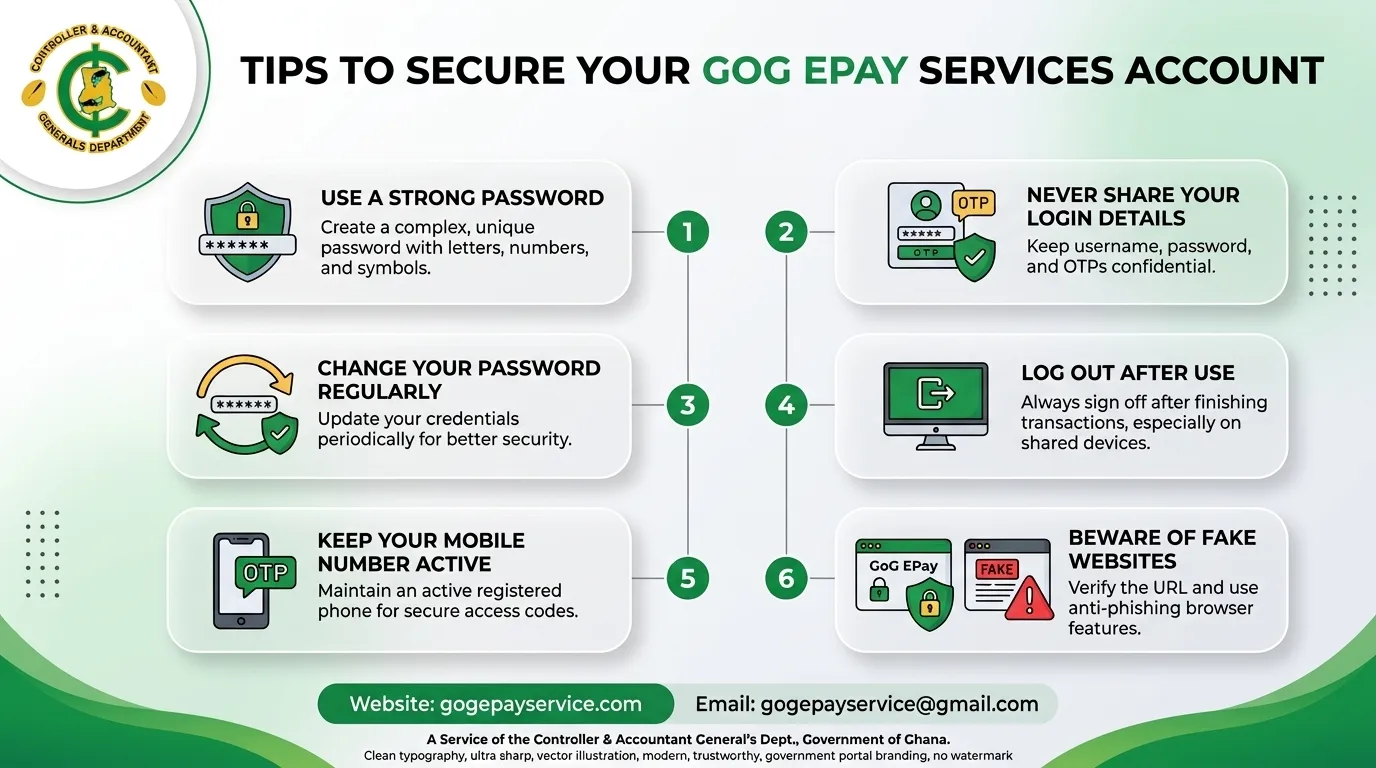
Your gogepayservices account contains important personal and salary information. So keeping your account safe is very important. Follow these simple security tips to protect your account.
Use a Strong Password
Always create ePayslip portal password that is difficult for others to guess.
A strong password should contain:
Avoid using:
Never Share Your Login Details
Do not share your:
Even if someone claims to be from technical support, never provide your login information.
Change Your Password Regularly
Updating your password from time to time can help keep your account safe. If you think someone may know your password, change it immediately.
Log Out After Use
Always log out when using:
This helps stop unauthorized access to your account.
Keep Your Mobile Number Active
The GoG ePay Service portal uses mobile verification for account security. Make sure your registered phone number remains active and accessible.
Beware of Fake Websites
Only use the official gogepayservices portal. Fake websites may attempt to steal your personal information. Always check the website address carefully before logging in.
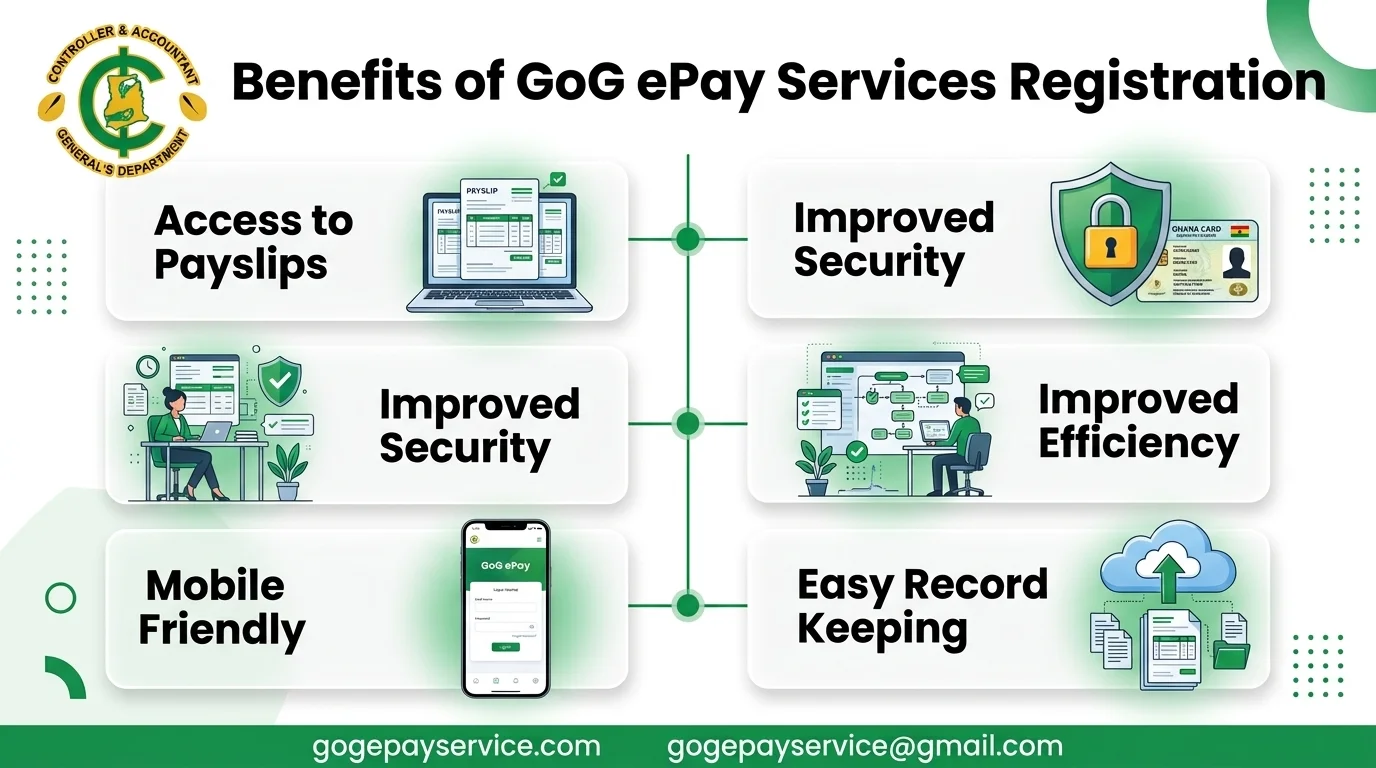
Benefits of GoG ePay Services Account Registration
The new GoG ePay Service system offers many benefits for government workers in Ghana.
Access to Payslips
One of the biggest advantages is easy access to payslips.
Employees can:
This eliminates the need to visit offices for basic payroll documents.
Improved Security
The new registration process uses:
These features of the portal help protect employee data from unauthorized access.
Improved Efficiency
The online portal saves time for both employees and payroll administrators.
Workers can access information right away without waiting for manual processing.
This reduces paperwork and improves service delivery.
Mobile Friendly
The gogepayservices portal works well on most smartphones and tablets.
Employees can:
from almost anywhere with internet access.
Easy Record Keeping
The portal helps employees maintain organized payroll records.
Benefits include:
This makes financial planning much easier.
ePayslip Registration Errors and Fixes
Some users may experience registration problems. Below are common issues and possible solutions.
Invalid Employee Number
Problem
The system cannot find your employee number.
Solution
Ghana Card Verification Failed
Problem
If the portal cannot verify your Ghana Card details.
Solution
OTP Not Received
Problem
You do not receive the verification code.
Solution
Incorrect Personal Information
Problem
The displayed information does not match your records.
Solution
Password Creation Error
Problem
The system rejects your password.
Solution
Create a password that includes:
Avoid using simple or common passwords.
Account Locked
Problem
Too many failed login attempts may lock your account.
Solution
Website Not Loading
Problem
The portal page does not open.
Solution
Payslip Portal Helpdesk
If you experience ePayslip Portal registration problems that cannot be resolved, contact the gogepayservices helpdesk.
The helpdesk can help you with:
HelpDesk Contact Numbers
In any problem about Payslip portal, call on these official support numbers:
After Registration: Your First ePayslip Login
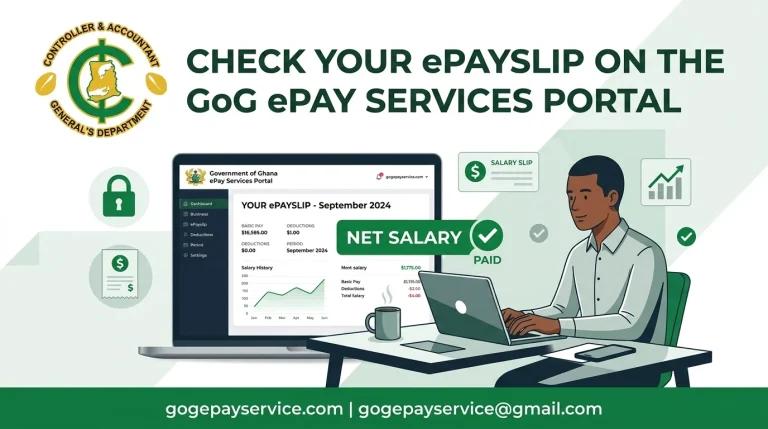
Once your account is active, return to the portal login page and sign in with your employee number and the password you created. Your first stop after login is the Payslips section, where you can view, download and print your ePayslip.
Keep your password and security question answer safe. You will need them if you ever have to reset your password or recover your account.
Conclusion
Completing your GoG ePay Services registration allows you to access important payroll services online without unnecessary delays. Once your account is active, you can view and download your ePayslip, check salary information, monitor deductions, and access your CAGD payslip whenever you need it.
If you have all the required information ready, the registration process is usually simple and takes only a few minutes to complete. After creating your account, keep your login details secure and use the gogepayservices portal regularly to stay updated with your payroll records and salary information.