GoG ePay Services Troubleshooting: Login Errors, OTP Problems & Fixes (2026)
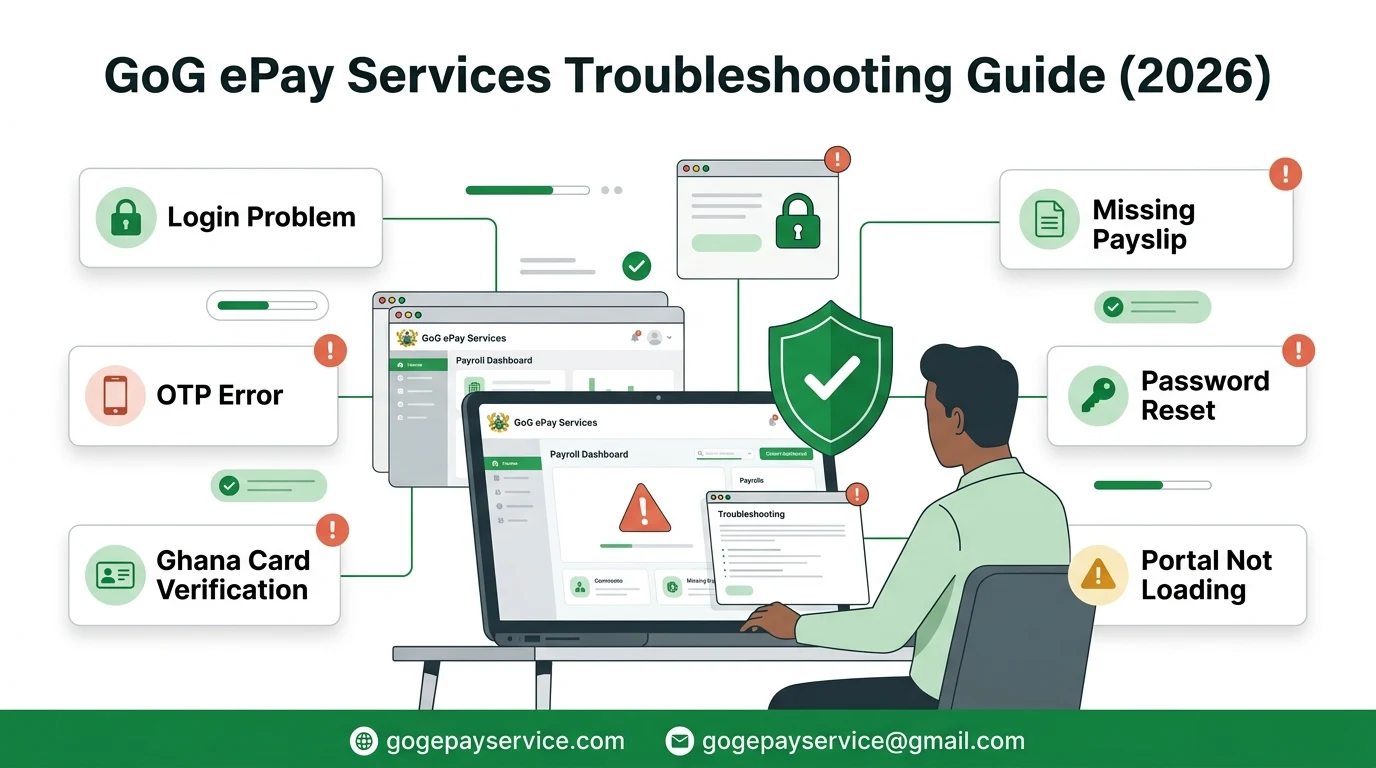
If you are having trouble using the GoG ePay Services portal, do not worry. Most problems can be solved by checking your login details, internet connection, or account information. This guide covers the most common ePayslip problems and explains how to fix each one.
Independent Website Notice
GoG ePay Services Guide is an independent informational website. We do not operate the official portal or have access to employee payroll records.
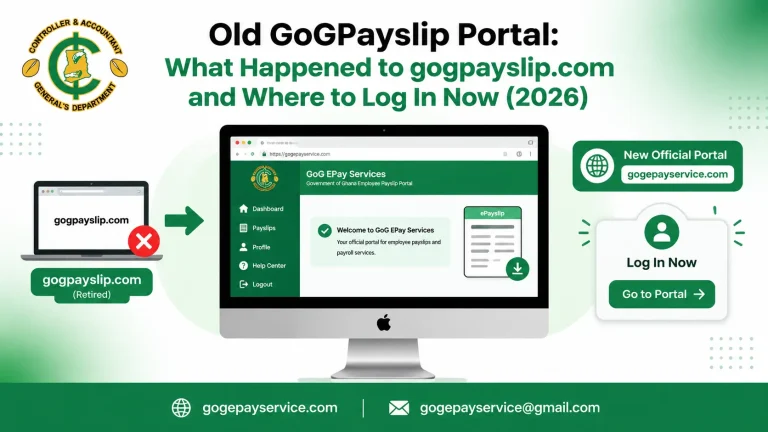
GoG ePay Services Portal Not Opening or Not Loading
If the website won’t open, keeps loading, or shows an error page, the issue is usually related to your internet connection or temporary server maintenance.
Possible Reasons
Troubleshooting
ePayslip Login Problems: Invalid Employee Number or Incorrect Password
If you receive an Invalid Employee Number or Incorrect Password message, the portal cannot verify your login details.
Possible Reasons
Troubleshooting
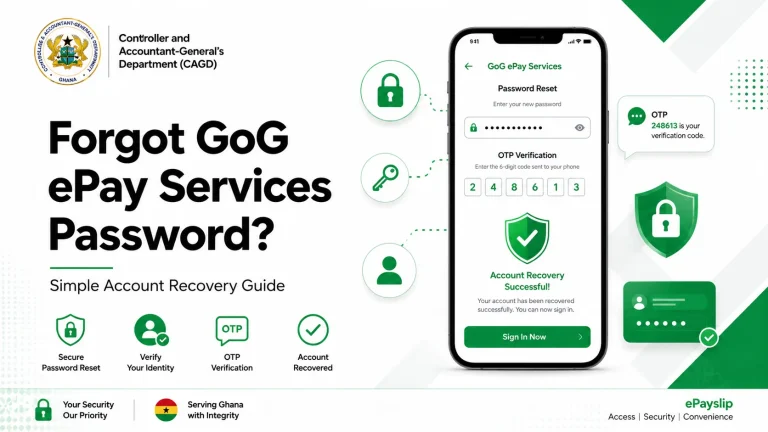
OTP Not Received or OTP Not Working
An OTP is required during registration, password recovery, and account verification.
Possible Reasons
Troubleshooting
Registration or Password Reset Failed
If you cannot register a new account or reset your password, your information may not match the records stored by the portal.
Possible Reasons
Troubleshooting
Ghana Card Verification Failed
Your Ghana Card details must match your official employee records.
Possible Reasons
Troubleshooting
Payslip Missing or Cannot Be Downloaded
Sometimes your payslip may not appear or may fail to download.
Possible Reasons
Troubleshooting
Incorrect Salary, Deductions, or Personal Information
If your salary, deductions, bank details, mobile number, or other personal information is incorrect, the portal cannot update these records directly.
Possible Reasons
Troubleshooting
When Should You Contact HR or CAGD?
Contact your HR, Payroll Unit, or CAGD if:
Before requesting support, keep your Employee Number, institution name, screenshot of the error (without sensitive information), and a brief description of the problem ready.
Account Locked After Too Many Login Attempts
If the portal says your account is locked, it is usually a security response to repeated failed sign-ins.
Possible Reasons
- You entered the wrong password several times
- Someone else tried to access your account
- You used an old saved password after changing it
Troubleshooting
- Stop trying and wait for the lock period to end
- Use the Forgot Password option to reset your password
- Type the new password manually instead of using a saved one
- Contact your HR or Payroll Unit if the account stays locked
Conclusion
Most GoG ePay Services problems can be resolved by checking your login details, using the latest OTP, clearing your browser cache, or trying another browser. If the problem is related to your payroll records, Ghana Card information, or salary details, contact your HR or Payroll Unit for assistance. Always use the official portal and never share your password or OTP with anyone.