Old GoGPayslip Portal: What Happened to gogpayslip.com and Where to Log In Now (2026)
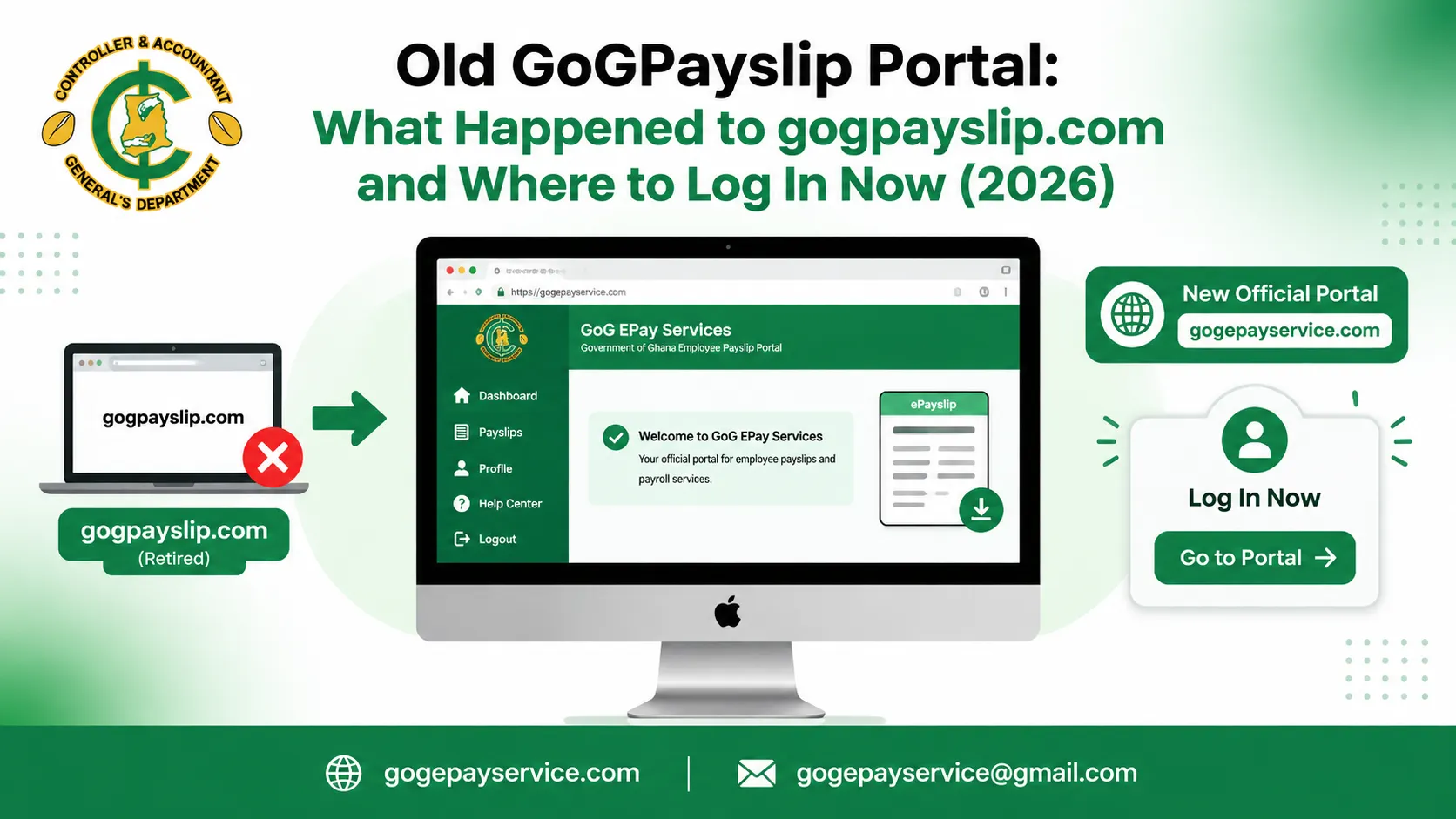
If you still type gogpayslip.com into your browser when salary is due, you are looking for a portal that no longer does the job. The old GoGPayslip portal has been retired. CAGD replaced it with GoG ePay Services, announced in February 2026, and payslip access now runs on the new system only.
This page covers what the old portal was, why it was replaced, and the questions most workers ask next: whether the old login still works, where old payslips went, and what to do if you never registered on the new portal.
What the old GoGPayslip portal was
For years, gogpayslip.com was the address government workers used to see their payslips online. It sat on top of the Electronic Salary Payment Voucher (E-SPV) system that CAGD used to prepare and confirm monthly payroll.
Registration on the old portal worked differently from today. You needed a registration code, and that code came from your Head of Department or management unit. CAGD issued the codes to institutions, and staff were not supposed to pay for them. Old CAGD notices even warned that the codes were not for sale after reports that unauthorized people were selling them.
Login was your employee number, your password, and a captcha. There was no Ghana Card check and no OTP step. Once inside, you could view and download payslips, check GRA tax reports and SSNIT records, work out loan affordability, and generate a mandate form.
Why CAGD replaced it
The old system had two weak points that kept coming up: identity and security. A registration code and a password were all that stood between an account and whoever held those details. Nothing tied the account to a verified national ID, and payroll fraud through ghost names has been a standing problem for CAGD for years.
The new portal ties registration to your Ghana Card, which is cross-checked against CAGD records, and adds OTP verification on your registered mobile number. It also moved “Forgot Password” to the centre of the system: that option now doubles as first-time registration, so a worker who never had an account starts from the same place as someone who forgot a password.
Is the old GoGPayslip login still working?
No. Payslip login happens on GoG ePay Services now. Your old GoGPayslip password does not carry over, and there is no separate old portal login to fall back on.
If you try your old details on the new portal, the login will fail, and repeated attempts can lock the account for a while. The correct move is to register on the new portal first. Our registration guide walks through it: open the new portal, choose “Forgot Password”, enter your employee number and Ghana Card number, verify the OTP sent to your phone, then create a password and a security question.
After that, signing in is your employee number and your new password. The login guide covers the steps and the errors people hit most often.
What happened to your old payslips?
Your pay history did not disappear with the old portal. Payslip records sit in the CAGD payroll database, not inside the website you used to view them, and historical payslips are available on the new portal after you register and log in.
In practice, this is what workers find: recent and older payslips show in the Payslips section of the new portal, and you can download them as PDFs the same way as before. If a specific old month is missing, that is a records issue, not a website issue. Your HR or payroll unit is the office that can get it corrected at the source. The check ePayslip guide shows how to find, generate and download a payslip once you are in.
Old portal vs new portal at a glance
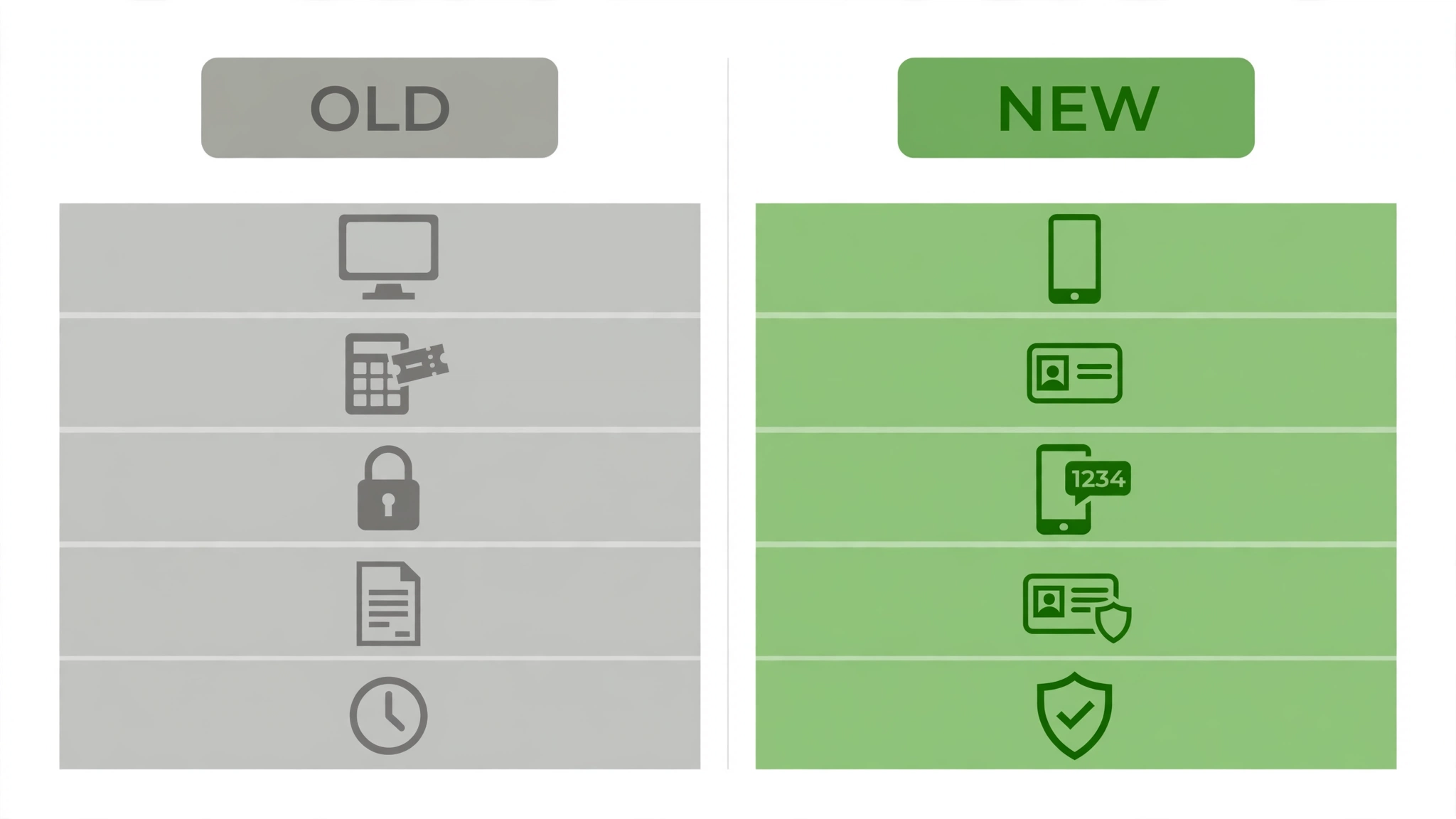
- Address: gogpayslip.com (old) / gogepayservices.com (new)
- Status: retired / current and official
- Registration: code from Head of Department / Ghana Card verification
- Login security: password plus captcha / password plus OTP
- Password recovery: standard reset / “Forgot Password” also handles first-time registration
- Payslip history: available / available
Still using the old app or an old bookmark?
Two leftovers cause confusion. The first is bookmarks and saved passwords from the old portal era. A saved login pointing at the old address will never work on the new system, so delete the bookmark and save the new portal address instead.
The second is the old CAGD EPayslip phone app, which belonged to the retired system. There is no official app for the new portal, and our ePayslip app page explains what exists in the app stores and what to avoid.