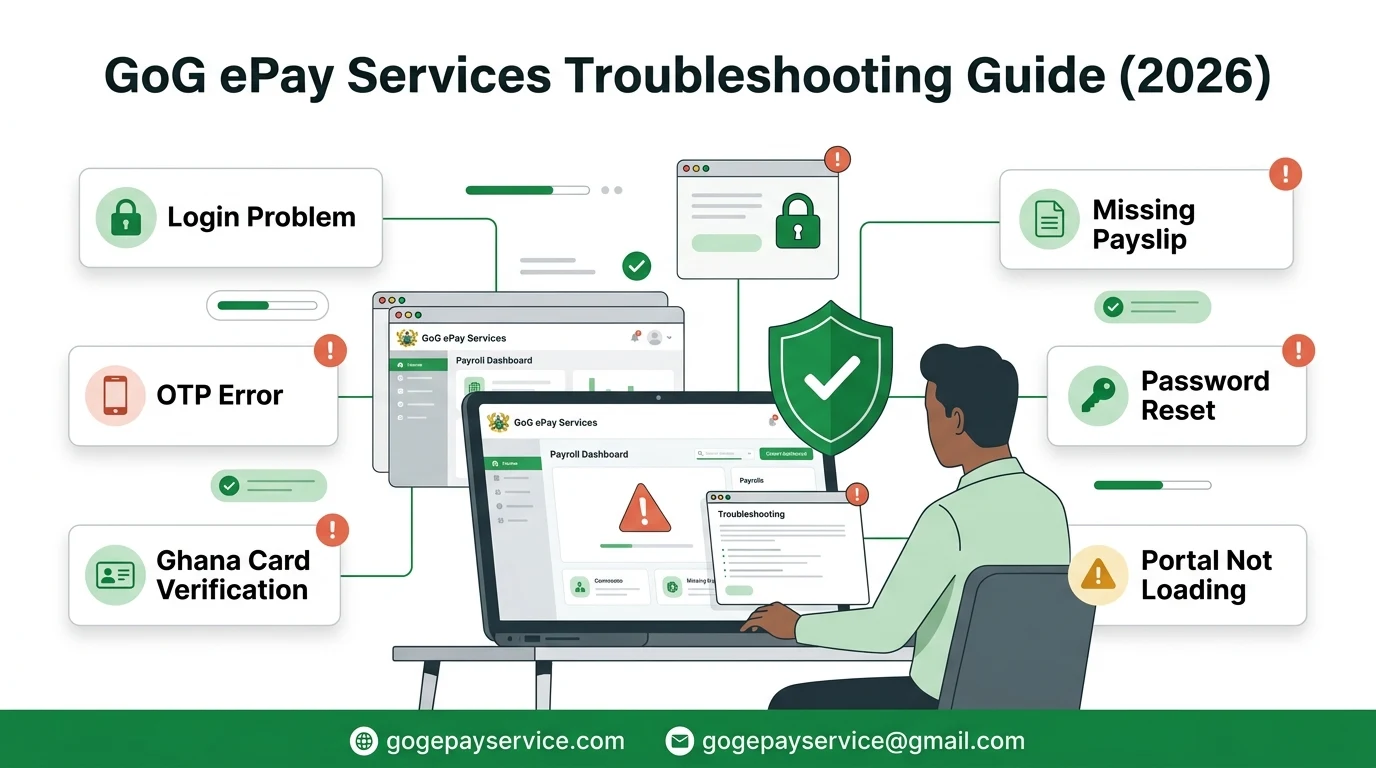
If you’re having trouble using the GoG ePay Services portal, don’t worry. Most problems can be solved by checking your login details, internet connection, or account information. This guide covers the most common issues and explains how to fix them.
Independent Website Notice
GoG ePay Services Guide is an independent informational website. We do not operate the official portal or have access to employee payroll records.
Cannot Access the GoG ePay Services Portal
If the website won’t open, keeps loading, or shows an error page, the issue is usually related to your internet connection or temporary server maintenance.
Possible Reasons
Temporary portal maintenance
Slow or unstable internet connection
Browser cache problems
Using an outdated browser
Troubleshooting
Check whether other websites are working.
Refresh the page and try again.
Clear your browser cache and cookies.
Try another browser such as Chrome, Edge, or Firefox.
Switch between Wi-Fi and mobile data.
Wait 15–30 minutes and try again if the portal is temporarily unavailable.
Login Problems
If you receive an Invalid Employee Number or Incorrect Password message, the portal cannot verify your login details.
Possible Reasons
Incorrect Employee Number
Wrong password
Typing mistakes or extra spaces
Recently changed password
Employee record has not been updated
Troubleshooting
Enter your Employee Number exactly as issued.
Type your password manually instead of using a saved password.
Check that Caps Lock is turned off.
Remove any extra spaces.
If you forgot your password, use the Forgot Password option.
If your Employee Number is still not recognized, contact your HR or Payroll Unit.
OTP Not Received or OTP Not Working
An OTP is required during registration, password recovery, and account verification.
Possible Reasons
Poor mobile network
Wrong registered phone number
Multiple OTP requests
OTP has expired
Troubleshooting
Check your mobile signal.
Wait a few minutes before requesting another OTP.
Use only the latest OTP you receive.
Restart your phone if necessary.
If the OTP is sent to the wrong phone number, contact your HR or Payroll Unit to update your records.
Registration or Password Reset Failed
If you cannot register a new account or reset your password, your information may not match the records stored by the portal.
Possible Reasons
Incorrect Employee Number
Incorrect Ghana Card information
Passwords do not match
Existing account already registered
Troubleshooting
Check that all information is entered correctly.
Make sure your password and confirmation password match.
Complete all required verification steps.
If an account already exists, recover your password instead of creating another account.
Contact your HR or Payroll Unit if registration continues to fail.
Ghana Card Verification Failed
Your Ghana Card details must match your official employee records.
Possible Reasons
Incorrect Ghana Card number
Personal information does not match official records
Payroll records need updating
Troubleshooting
Enter your Ghana Card number carefully.
Check for typing mistakes.
Make sure your name matches your official records.
Contact your HR or Payroll Unit if verification keeps failing.
Payslip Is Missing or Cannot Be Downloaded
Sometimes your payslip may not appear or may fail to download.
Possible Reasons
Payslip has not yet been published
Wrong month or year selected
Temporary portal issue
Browser download problem
Troubleshooting
Check that you selected the correct month and year.
Sign out and log in again.
Refresh the payslip page.
Try downloading the file using another browser or device.
Contact your Payroll Unit if the payslip remains unavailable after payroll has been processed.
Incorrect Salary, Deductions, or Personal Information
If your salary, deductions, bank details, mobile number, or other personal information is incorrect, the portal cannot update these records directly.
Possible Reasons
Payroll processing error
Outdated employee records
Incorrect information submitted to payroll
Troubleshooting
Download the affected payslip.
Compare it with previous payslips.
Record the exact issue.
Report the problem to your HR or Payroll Unit.
Follow your institution’s official payroll correction process.
When Should You Contact HR or CAGD?
Contact your HR, Payroll Unit, or CAGD if:
Your Employee Number is not recognized.
Ghana Card verification repeatedly fails.
Your registered mobile number needs updating.
Your payslip is still missing after payroll has been processed.
Your salary or deductions are incorrect.
You cannot recover your account after following the troubleshooting steps.
Before requesting support, keep your Employee Number, institution name, screenshot of the error (without sensitive information), and a brief description of the problem ready.
Conclusion
Most GoG ePay Services problems can be resolved by checking your login details, using the latest OTP, clearing your browser cache, or trying another browser. If the problem is related to your payroll records, Ghana Card information, or salary details, contact your HR or Payroll Unit for assistance. Always use the official portal and never share your password or OTP with anyone.
Sammy Mensah works as an Accounts Assistant with the Ghana Education Service, handling payroll-related processes as part of his daily work in the public sector. That hands-on experience with government payroll systems is what led him to start GoG ePay Services Guide, a site built to help fellow employees register, log in, and manage their ePayslip without the confusion many people run into on the new portal. Every guide here is based on actually going through the process, not secondhand information, and is updated whenever CAGD changes something on their end. GoG ePay Service Guide is an independent, informational site and isn't affiliated with CAGD or the Government of Ghana.
Is your profile photo on GoG ePay Services outdated or no longer a good representation of you? Keeping your profile picture updated helps colleagues and administrators recognize you easily and maintains a professional appearance on the platform. Updating your profile photo on ePayslip Portal can improve account identification, help prevent confusion with other employees, and…
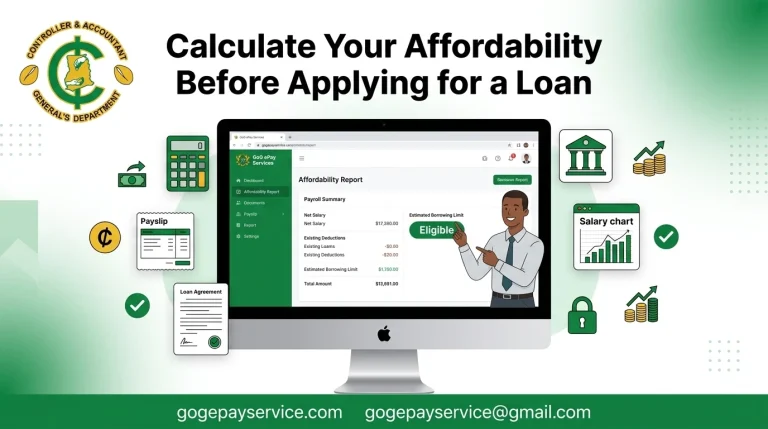
If you’re planning to apply for a salary backed loan, checking your loan affordability on the GoG ePay Services portal is the first thing to do. It shows how much you may be eligible to borrow based on your payroll details and helps you understand your borrowing limit before applying for a loan. The process…
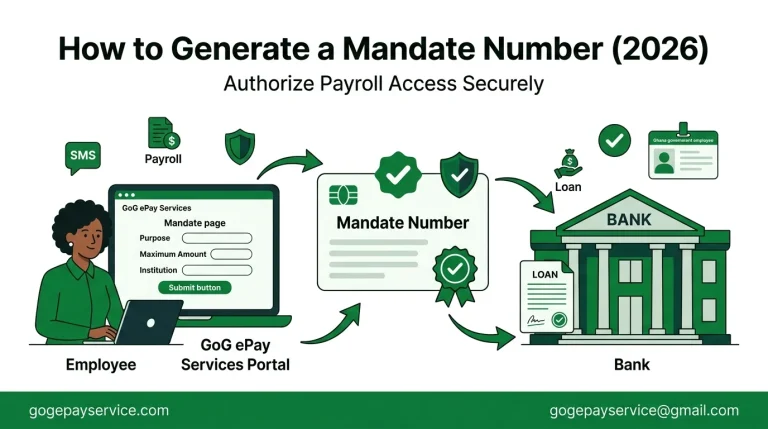
Need to generate a Mandate Number for a loan or payroll deduction but don’t know where to start? Many Government of Ghana employees aren’t sure where to find the Mandate option, what information to enter, or why they’re being asked for a Mandate Number. As a result, their loan or payroll request can be delayed….
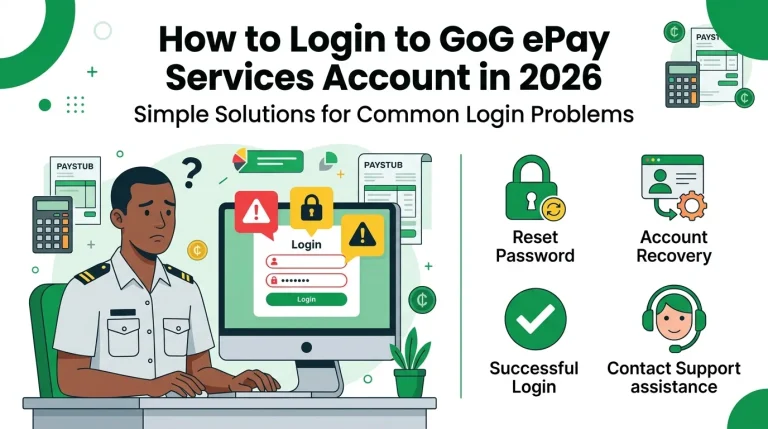
Unable to access your GoG ePay Services account? Many Ghana government employees experience login problems due to forgotten passwords, incorrect Staff Numbers, browser issues, or temporary portal errors. These problems can prevent users from viewing their payslips, salary information, allowances, and other payroll records when they need them most. Don’t worry, most login issues can…
The GoG ePay Services Portal is the official online payroll platform for government employees in Ghana. It provides quick and secure access to important payroll services, including ePayslips, salary details, tax records, SSNIT contributions, mandate forms, and other employee payroll information. Instead of visiting HR offices or relying on paper documents, employees can access their…
GoG ePay Services helps government employees in Ghana access ePayslips, salary information, mandate forms, and other payroll services online. While the portal is designed to be easy to use, many users still have questions about registration, login, OTP verification, payslip access, password recovery, and mandate numbers. This GoG ePay Services FAQ guide provides clear answers…